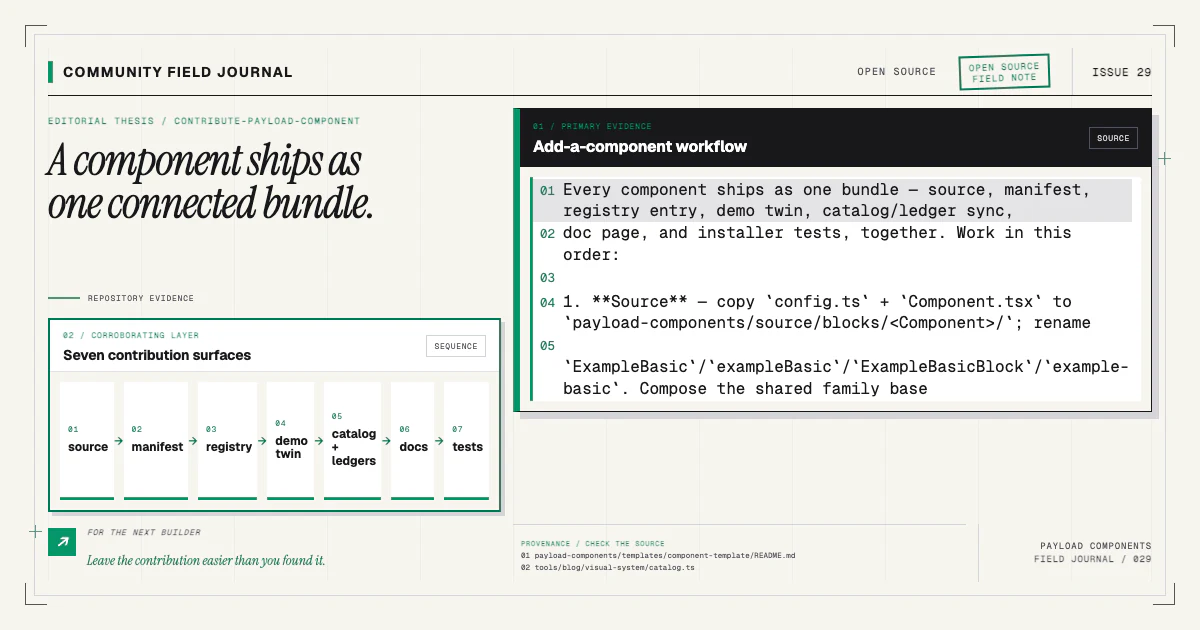
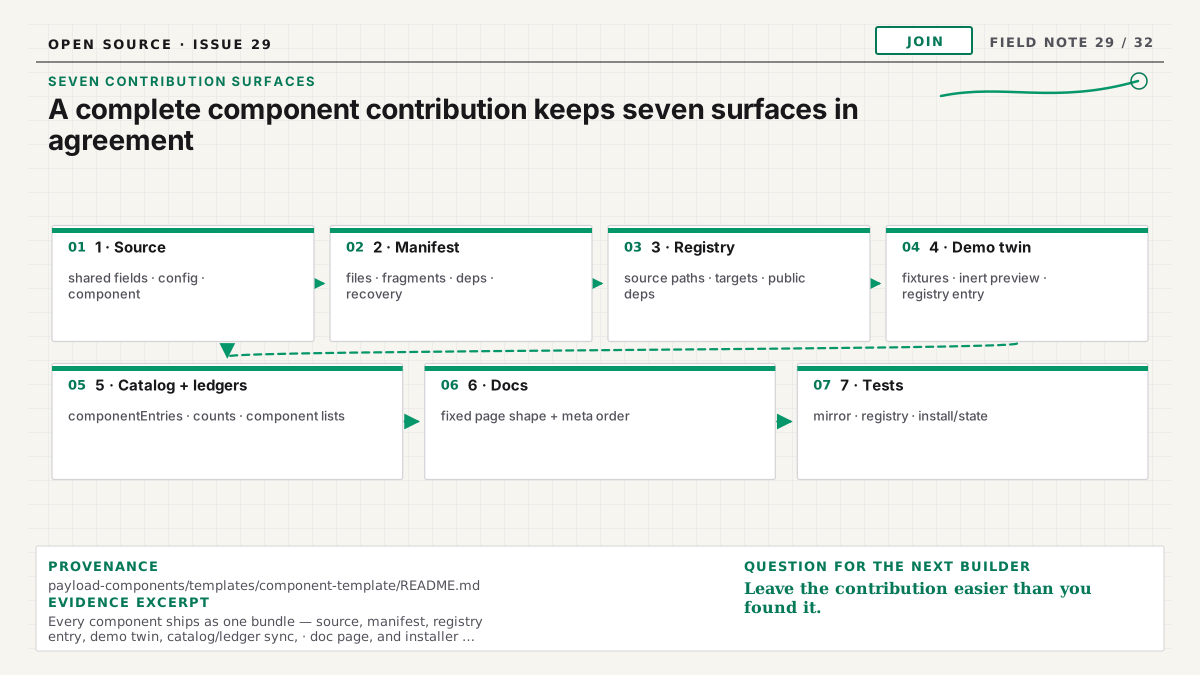
A component is not complete when its TSX looks good. In a wired registry, the public contract spans installable source, Payload schema, registry delivery, manifest wiring, documentation, live preview, idempotent installation, and visual evidence. Leaving one surface behind creates a component people can discover but not install, install but not render, or preview but not receive.
The repository includes payload-components/component-template/ as the canonical workflow.
Copy its files and use the existing families as examples. This guide explains why every step belongs
in the same pull request.
Start with a real structural need
Bring representative content and responsive states before writing fields. Compare the proposal with the current catalog. If an existing component can express the need through optional content, improve it. If hierarchy, medium, or interaction is materially different, define a suffixed variant.
Do not create a bare family name. Shipped items such as feature-steps and pricing-cards use
structural suffixes so the first member does not claim the whole family. Selection happens visually
in the catalog, not through a CLI prompt or a runtime prop matrix.
Write down the block's editorial job, required content, optional content, empty states, maximum arrays, wrapper behavior, and accessibility semantics. That short contract guides every later file.
Add typed installable source
Create the Payload config and React component under payload-components/source. Use TypeScript and
real Payload types. The config needs explicit slug, interfaceName, labels.singular,
labels.plural, and fields.
Model content rather than arbitrary color, spacing, radius, or grid controls. Preserve optional
frontend wrapper props such as id, className, and disableInnerContainer. Use named design tokens;
the visual-standards tests reject arbitrary colors, radii, tracking, spacing, and font values.
If variants share fields, add a real module under payload-components/source/blocks/shared and ship
it with every consumer. The shared-fields guide
explains why internal modules are files, not registry dependencies.
Build the source package early so target code type errors appear before registry work.
Create the manifest wiring contract
Add payload-components/manifests/<slug>.json. Name the registry item, target support, version,
owned files, dependencies, fragments, and post-install tasks. Follow a neighboring component with the
same install mode.
Fragments should make narrow, deduplicated edits: config import, collection registration, React import, renderer map entry. Keep the existing text anchors intact. If the new component needs a host shape the installer does not understand, add detection and fixtures rather than broad replacement.
Ensure the manifest's file list includes every imported shared module. Its targets must agree with the registry entry. The manifest article explains the execution and recovery layers.
Add the shadcn registry item
Update payload-components/registry.json with source paths, consumer targets, public dependencies,
and genuine public registry dependencies. Targets belong under ~/src/...; generated public/r
output is ignored and must never be hand-edited.
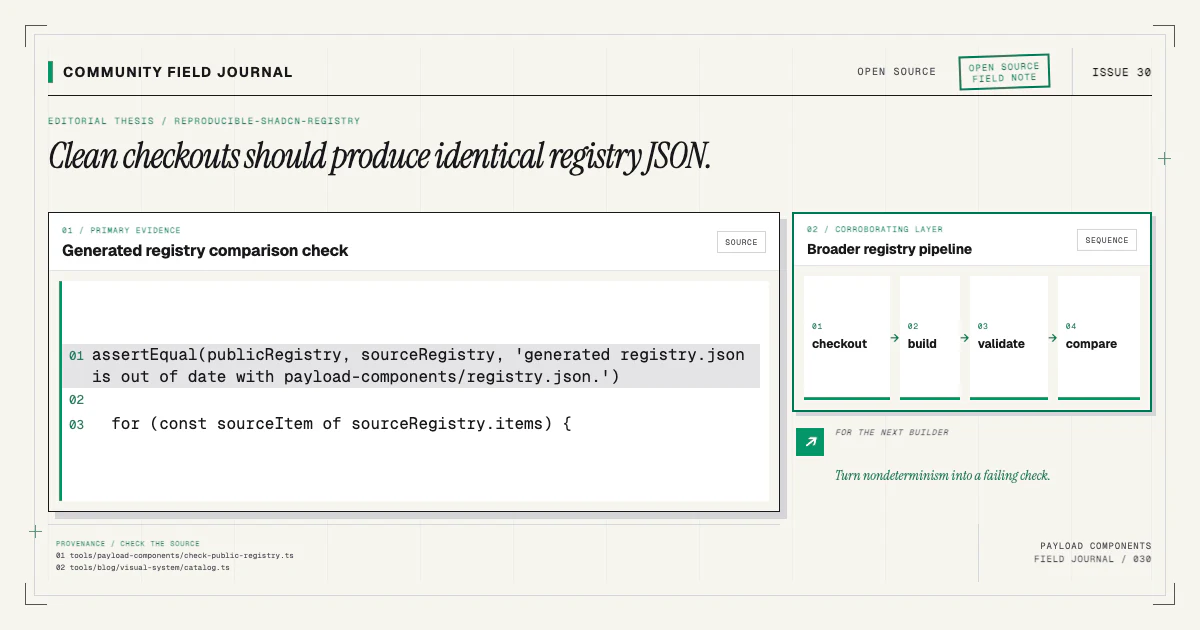
Run the registry build and validation. Inspect the generated item to confirm file contents are embedded and imports resolve at their target paths. Rebuild from a clean state to prove output is reproducible.
The registry documentation describes direct shadcn delivery and the companion CLI's wired path.
Write the fixed-shape component page
Add content/docs/components/<slug>.mdx with title, description, and icon frontmatter. Add its
editorial entry to componentEditorialEntries in src/lib/component-catalog.ts, then run
pnpm catalog:build; the docs header, catalog card, metadata chips, and tests derive from that
projection and the registry manifests.
Follow the prescribed body order: ComponentPreview, Installation tabs, ComponentWiring, hand-authored
Content model, ComponentUsage, ComponentRequirements, and ComponentFamily only when siblings exist.
Do not repeat the automatic h1 or hand-write manifest-derived file lists.
Keep the exact install command in MDX so per-page markdown and AI surfaces include it. Explain which fields come from a shared family base. Update landing installation ledgers when the installed file set changes.
Build and register the demo twin
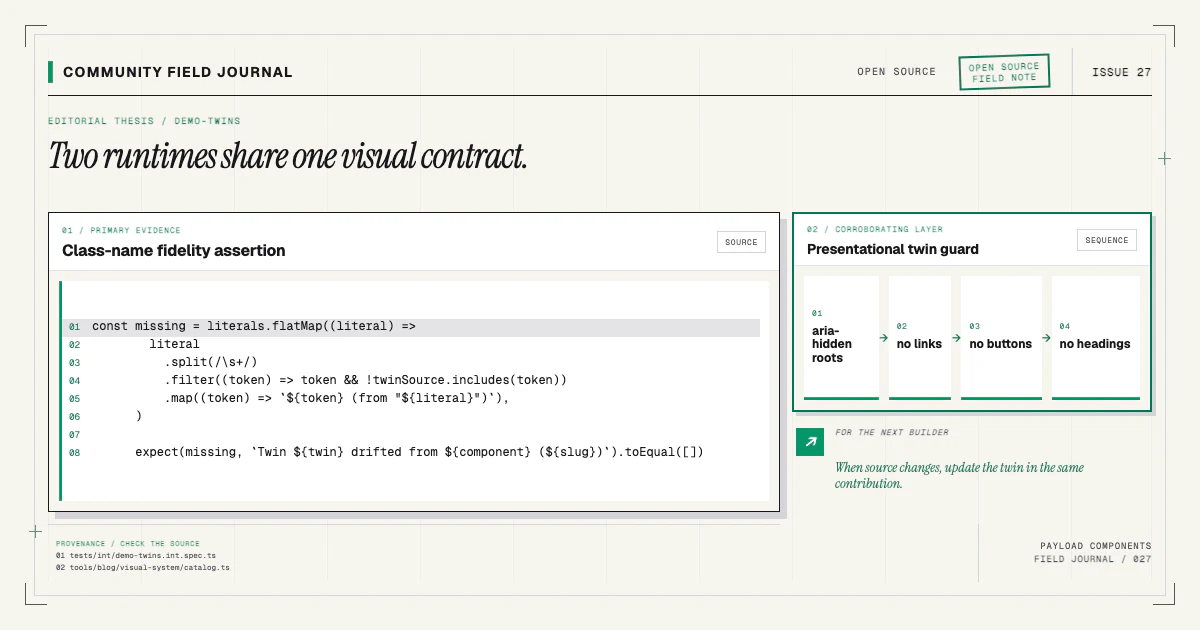
Create a site-only twin under src/components/site/demos. Mirror the installable source's
className literals verbatim. Use representative static data, mark the specimen aria-hidden, and
include no interactive elements or headings.
Register the twin in the demo registry so /components/preview/<slug> and the docs preview can render
it. Compare source and twin side by side. The demo-twin article explains why the
site does not import Payload target code directly.
Run the class-mirror integration test before visual capture. A beautiful twin with different classes is misleading documentation.
Add installer and recovery tests
Install the component into a representative fixture. Assert owned files, collection registration, renderer mapping, dependencies, generated task calls, and state. Run the add twice and assert no duplicate import, array entry, map key, file, or dependency.
Simulate a failure if the component introduces a new stage behavior. Confirm partial state is honest
and a retry converges. Run doctor against healthy and broken expectations when manifest changes add
new diagnostic cases.
Tests should inspect resulting files, not only stdout. A command can print success while patching the wrong key.
Add visual and browser evidence
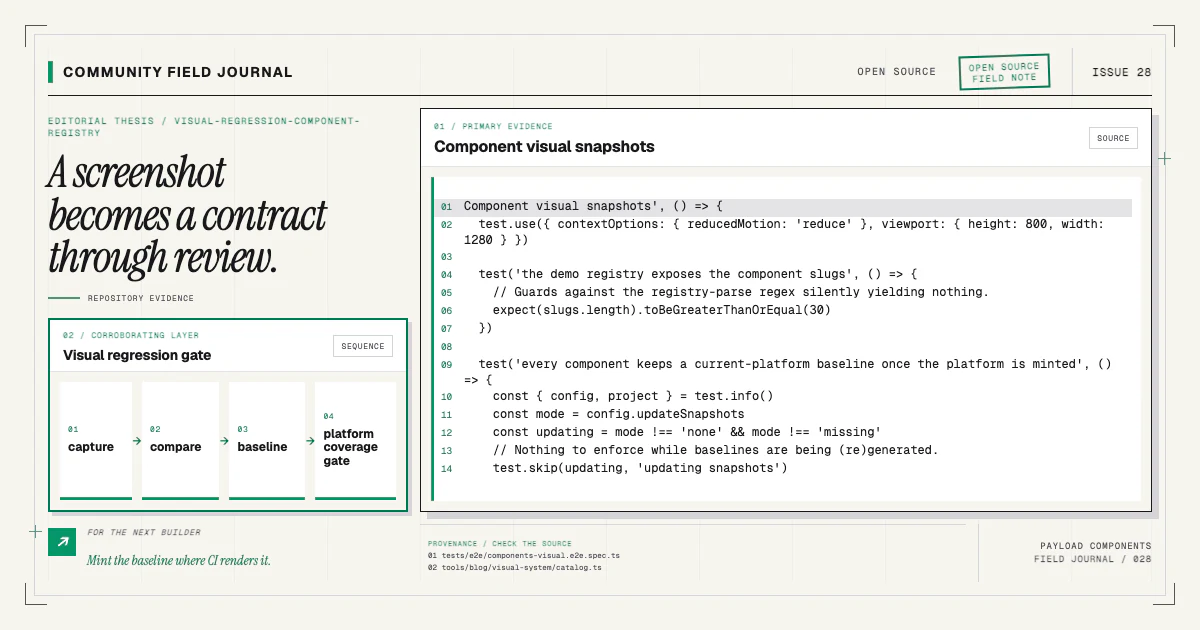
Add the component slug to visual regression coverage and capture its chrome-free preview. Review the result at intended desktop and mobile widths. Mint Linux baselines through the CI workflow so the production gate uses images from its own renderer.
Test minimum, typical, and stress content in source or fixtures. Check long text, omitted optional fields, maximum arrays, relationship IDs, keyboard behavior, reduced motion, and horizontal overflow as appropriate. Run accessibility checks for interactive source behavior; the inert twin cannot prove it.
The visual regression article explains baseline review and coverage guards.
Run the release gate and review the install
During development, run focused source, registry, integration, and visual tests. Before handing off, run the complete local gate:
pnpm lint
pnpm source:build
pnpm exec tsc --noEmit
pnpm test:registry
pnpm run test:int
pnpm run test:e2e
pnpm build
Use the installation guide to verify the supported project shape before this final smoke test.
Then pack or smoke-test when the change affects distribution behavior. Install the component into a clean branch through its public command:
npx payload-components add hero-basicReplace hero-basic with your new slug and read the diff as a user would. The source, host patches,
generators, and state should tell one understandable story.
Submit the complete contribution
Use the contributing guide checklist. Explain the structural need, content model, accessibility behavior, and validation run. Include intended visual changes and their baselines. Document provenance for adapted upstream work.
Do not split a component into “source now, docs and tests later.” The marginal work is exactly what makes the code safe for strangers to install. A complete pull request gives reviewers enough evidence to evaluate design, Payload behavior, distribution, and maintenance together—and gives the next contributor a stronger example to copy.