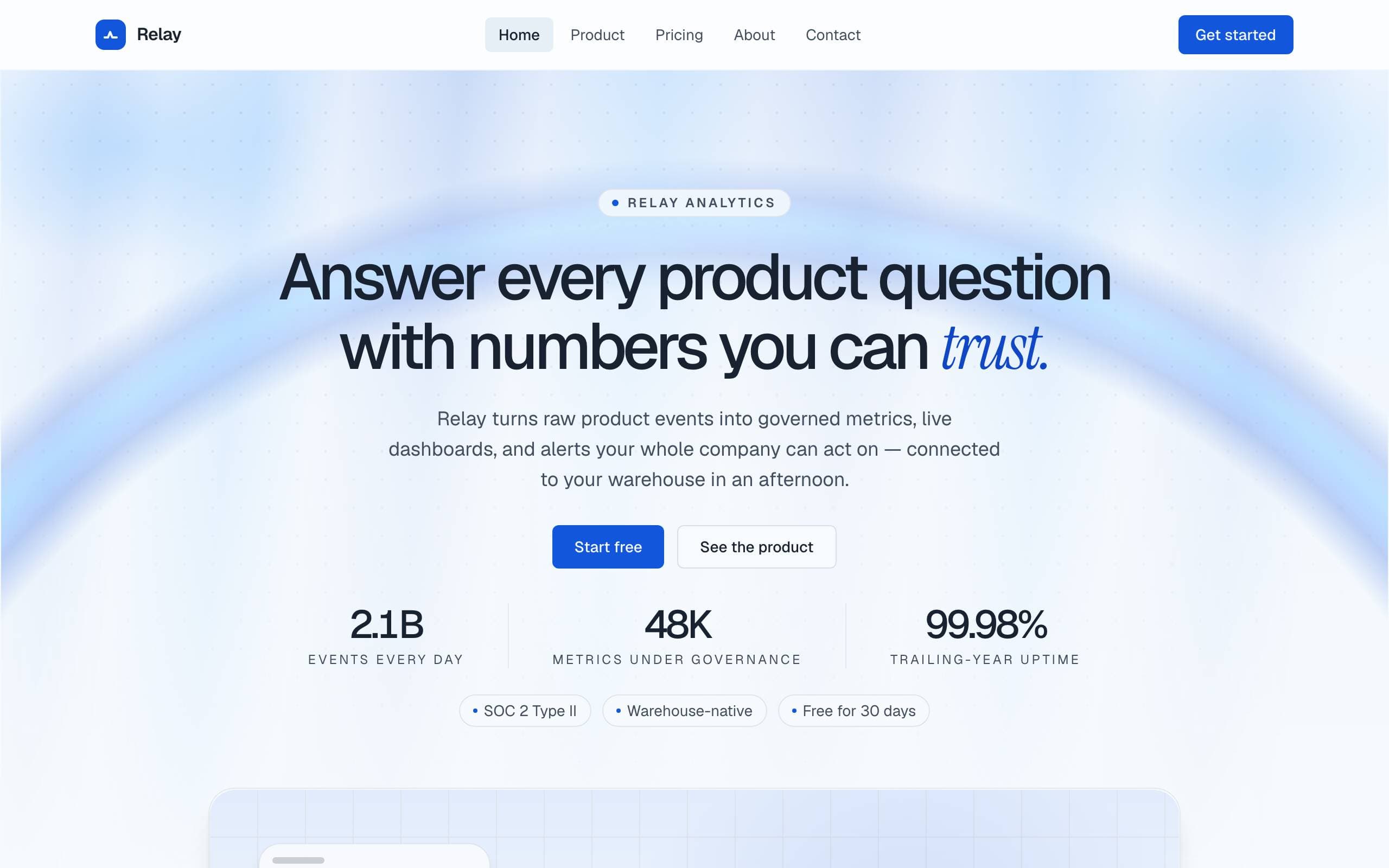
SaaSConcept preview
SaaS Launch
A precise, optimistic, product-led SaaS marketing site for a fictional B2B analytics platform.
- Precise
- Optimistic
- Product-led
5 pages · 28 unique blocks
Templates
This is a browsable full-site concept. Every section is composed from blocks in the open registry, and one command installs the whole block set — the curated copy shown here is not seeded, so you assemble the pages yourself in the admin.
Explore complete Payload CMS and Next.js site concepts across fifteen verticals — SaaS, agency, commerce, healthcare, restaurant, real estate, music and more. Open every page in a live preview, then trace each section back to a typed block you can install today.
Showing 15 of 15 concepts
A precise, optimistic, product-led SaaS marketing site for a fictional B2B analytics platform.
5 pages · 28 unique blocks
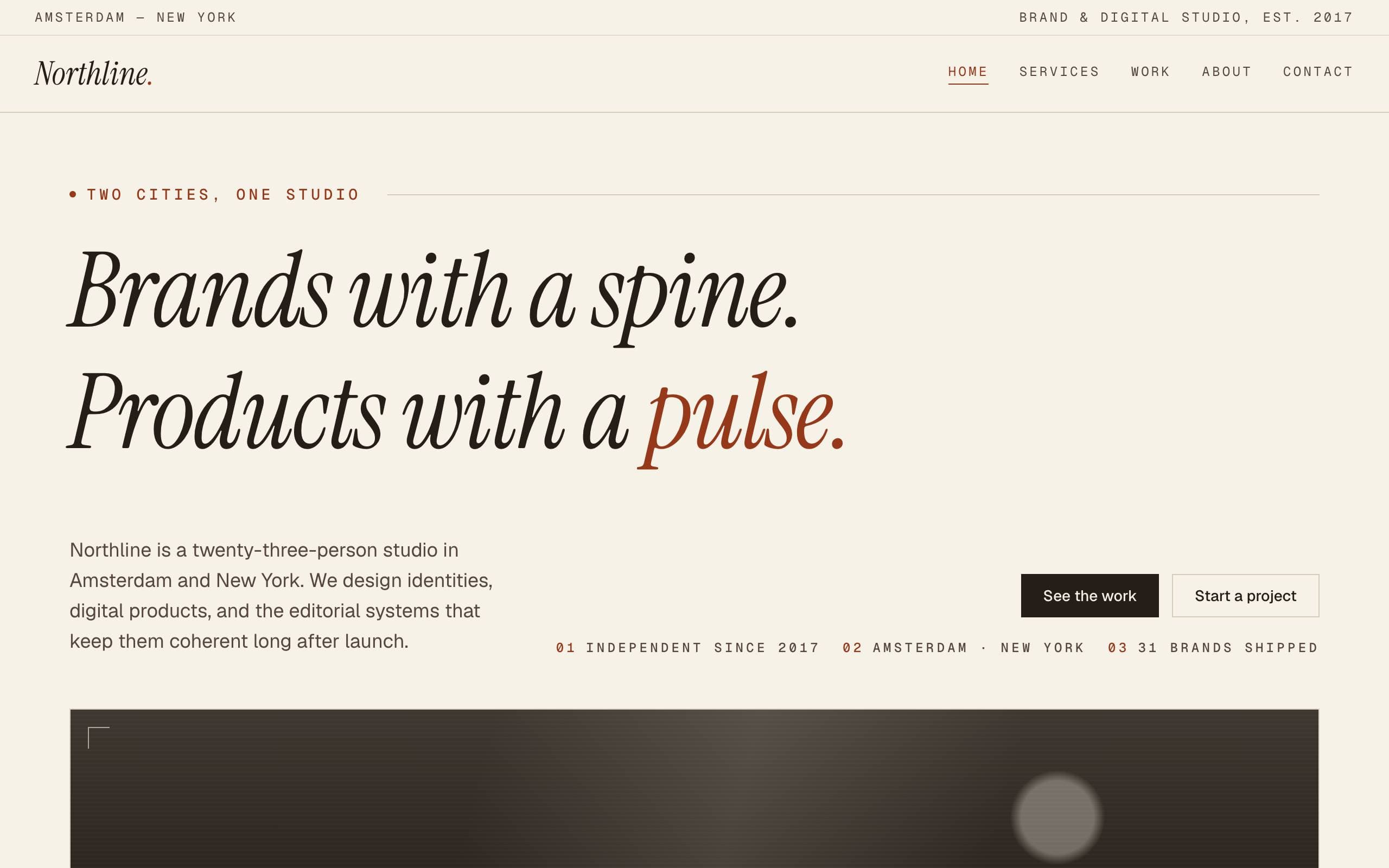
An editorial studio site concept — warm paper, ink serif headlines, one rust accent — for a fictional brand and digital-product practice.
5 pages · 26 unique blocks
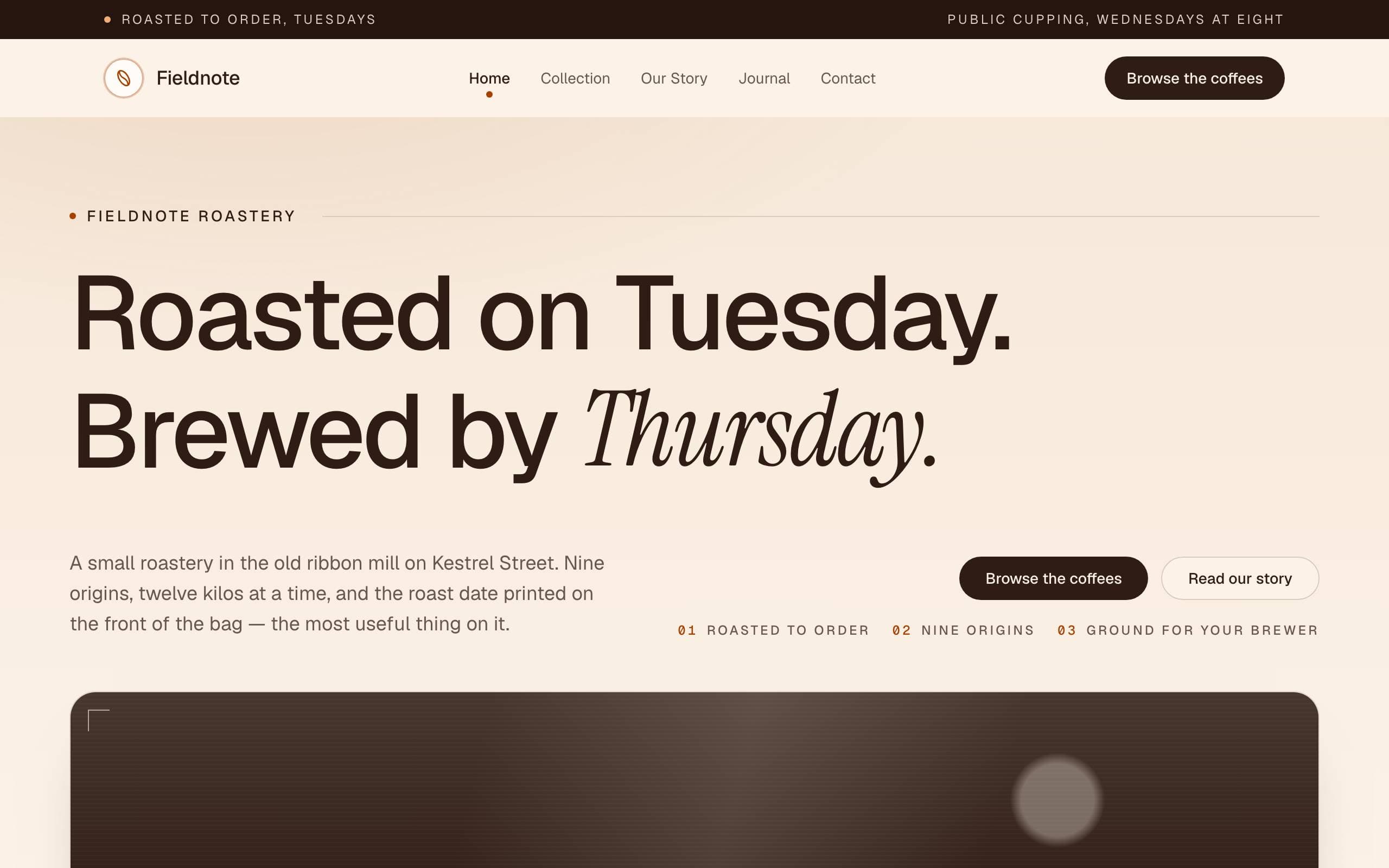
A warm, product-forward DTC marketing site for a fictional specialty-coffee roastery.
5 pages · 21 unique blocks
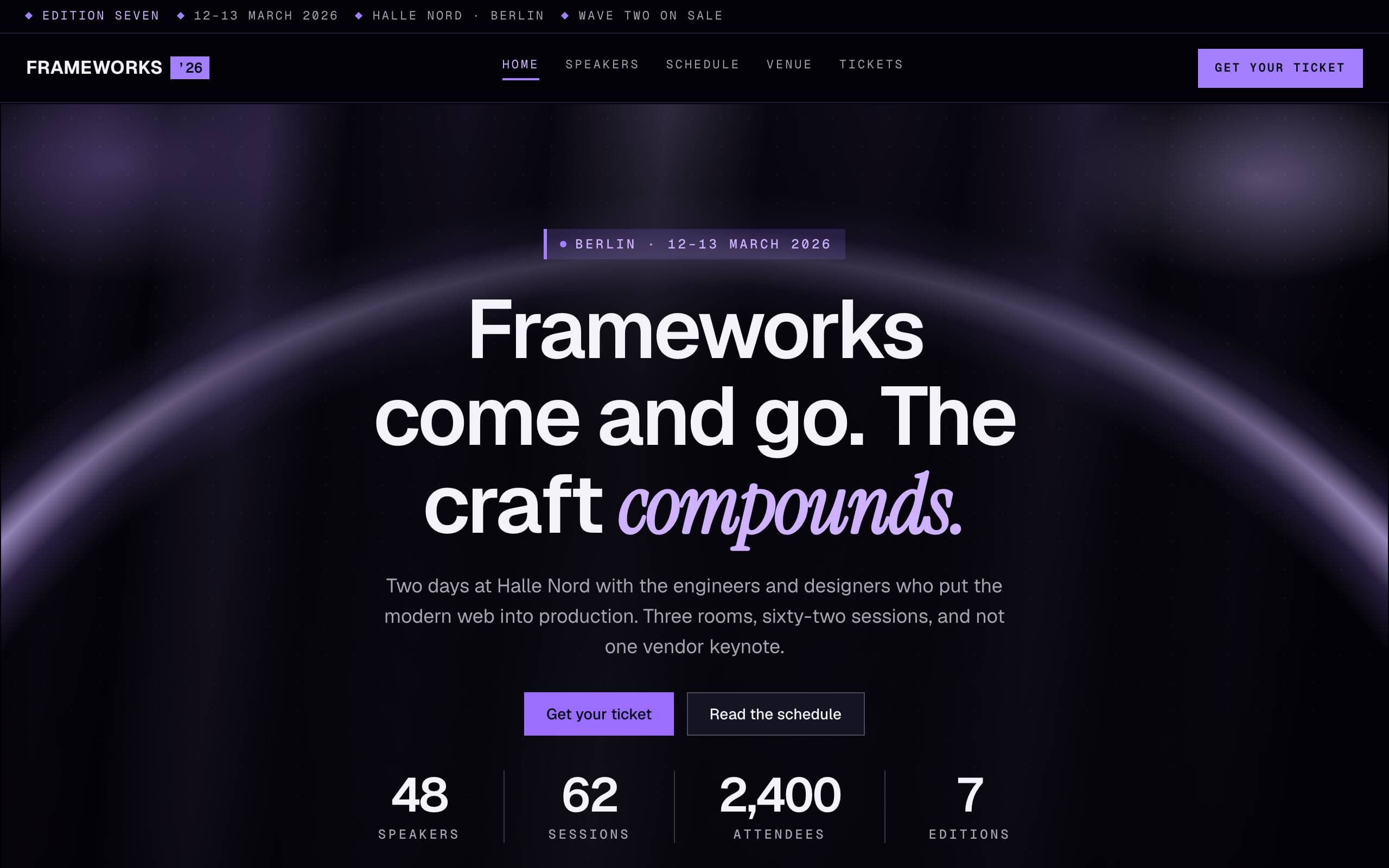
A near-black, electric-violet concept for a fictional two-day design and engineering conference in Berlin.
5 pages · 22 unique blocks
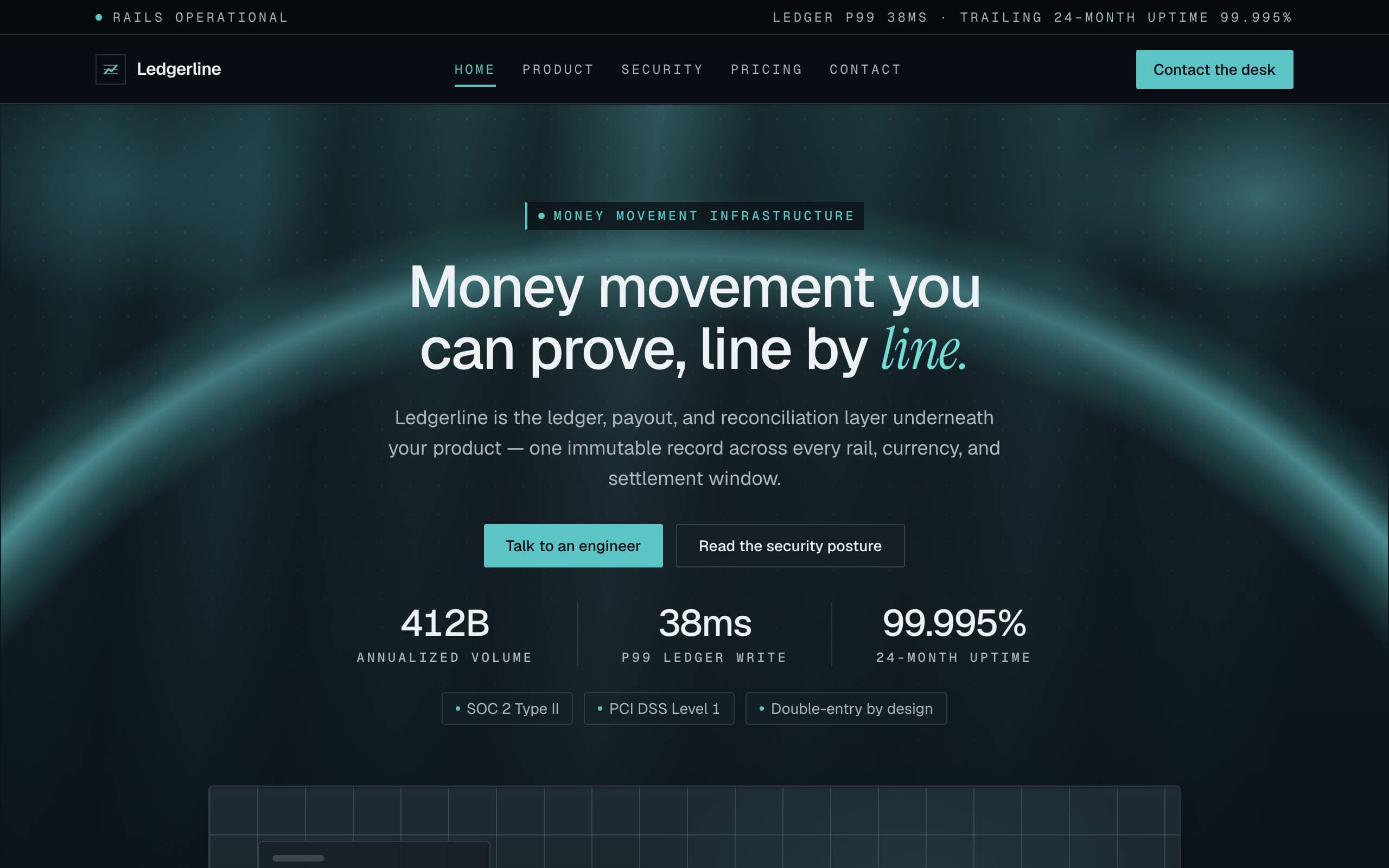
A dense, institutional, trust-first marketing site for a fictional money-movement platform.
5 pages · 26 unique blocks
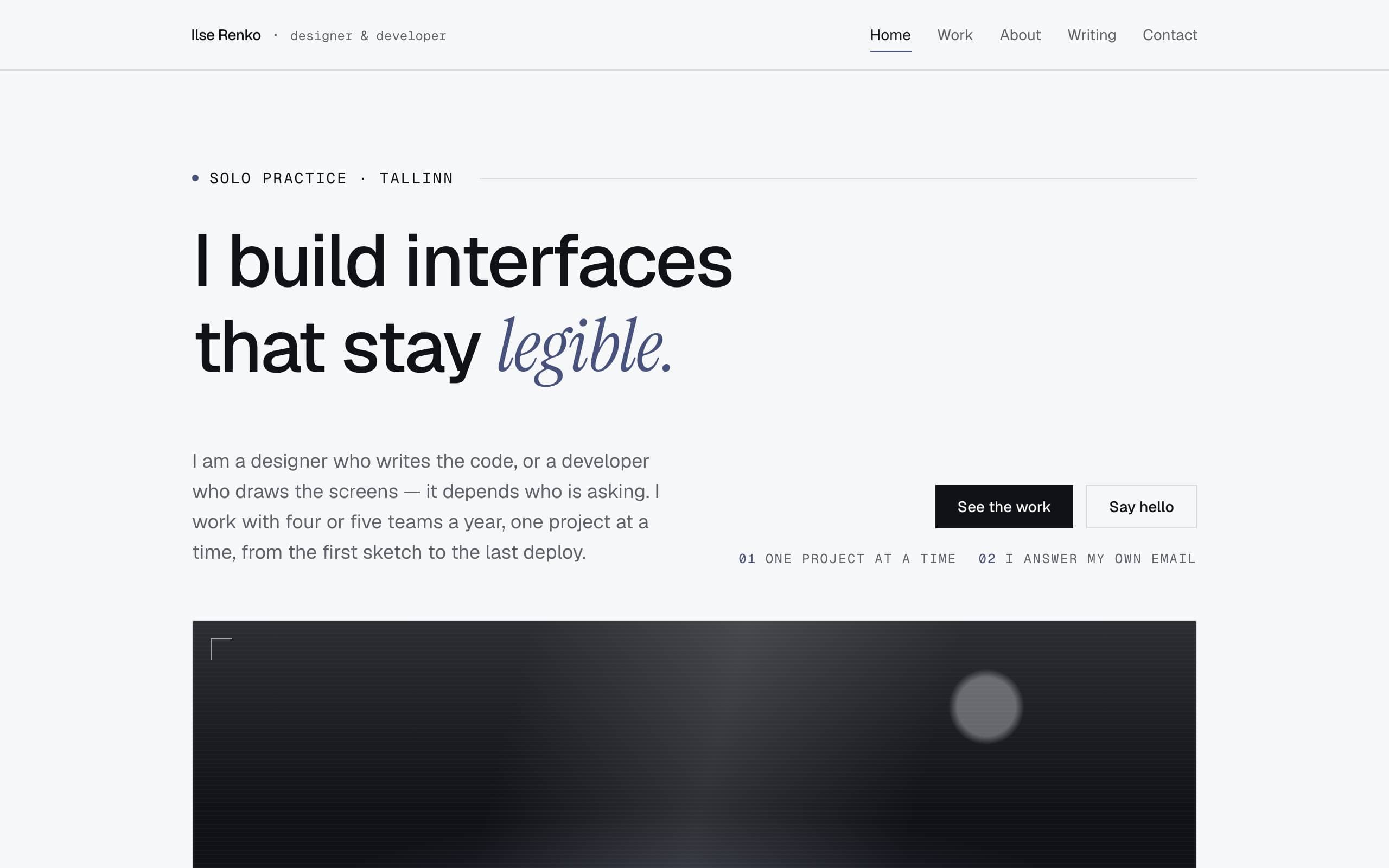
A quiet, near-monochrome personal site for a fictional solo designer-developer — small precise type, hairline rules, and one grudging slate accent.
5 pages · 17 unique blocks
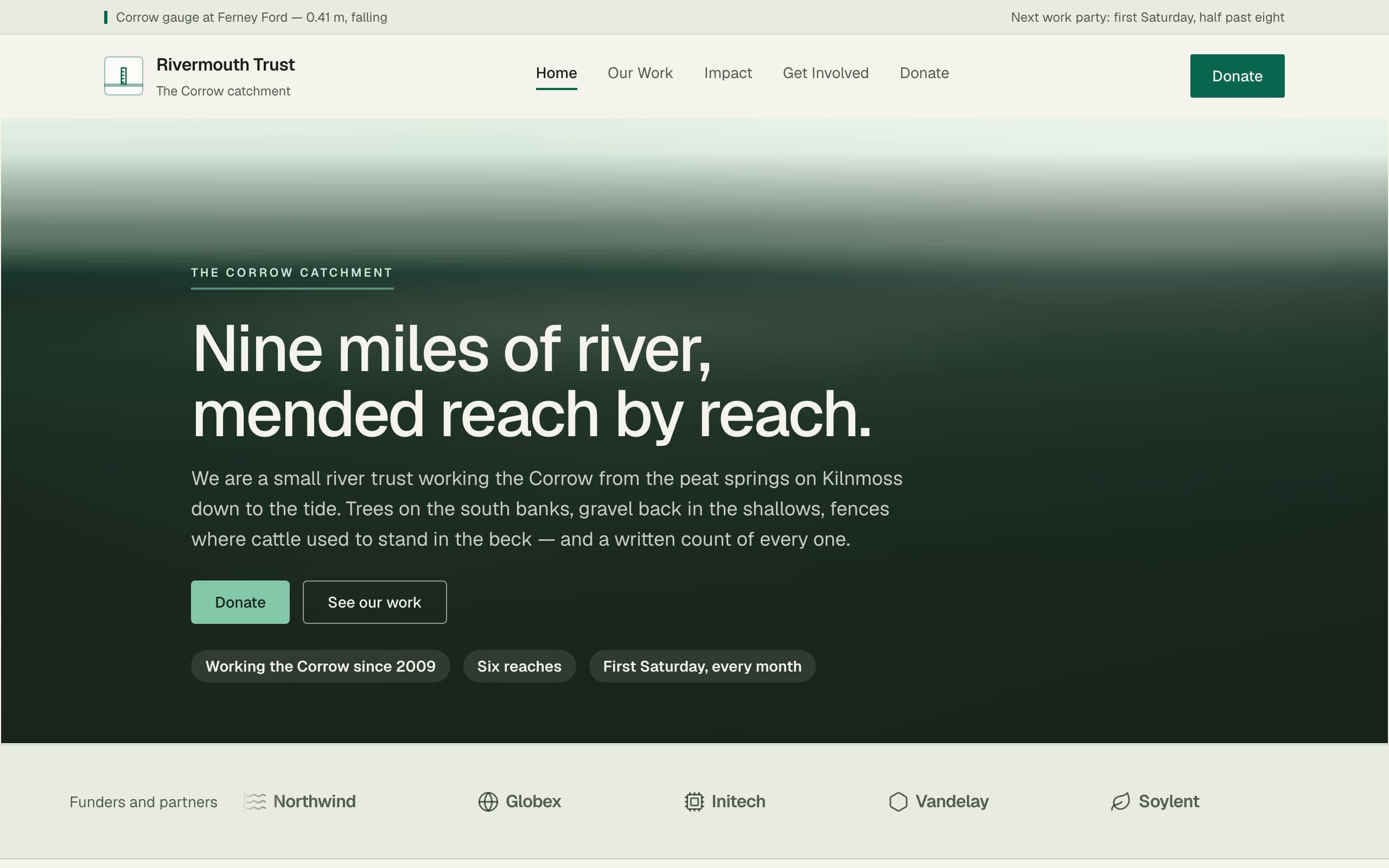
A place-led site for a fictional river trust, where the ask is give and volunteer and the proof is published monitoring.
5 pages · 24 unique blocks
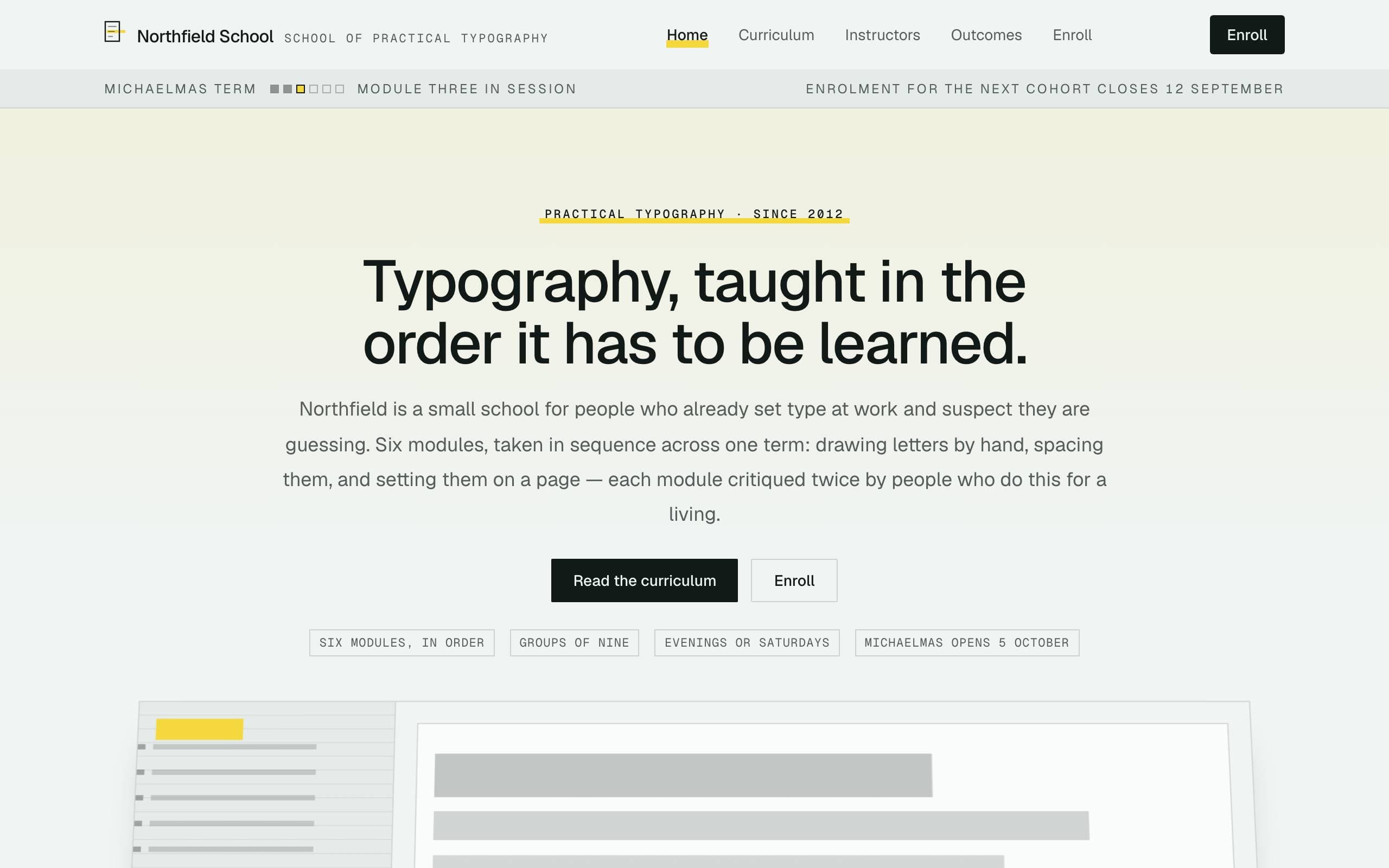
A patient, structured site for a fictional school of practical typography, built around a numbered module ladder.
5 pages · 23 unique blocks
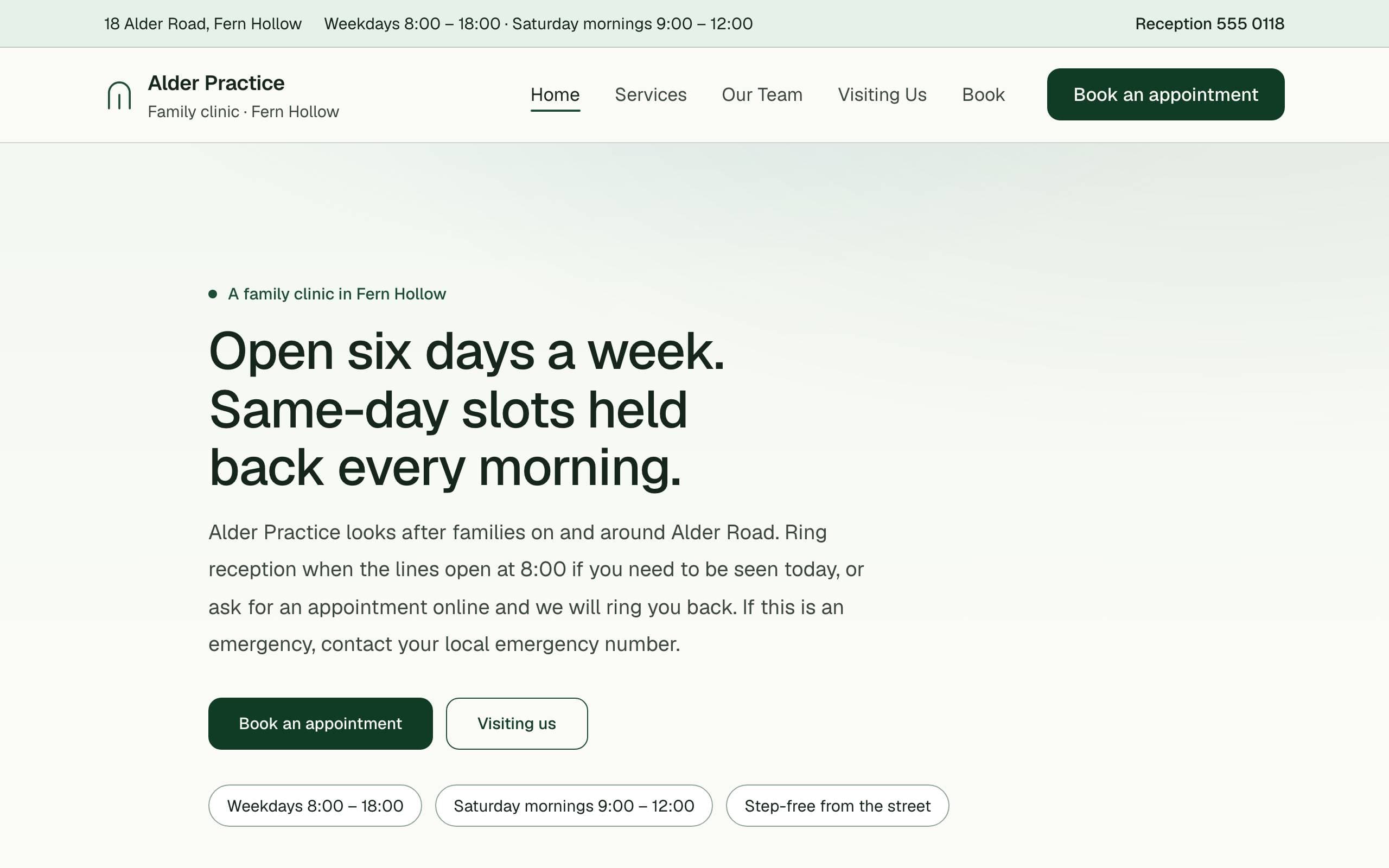
A calm, plainspoken site for a fictional family clinic.
5 pages · 20 unique blocks
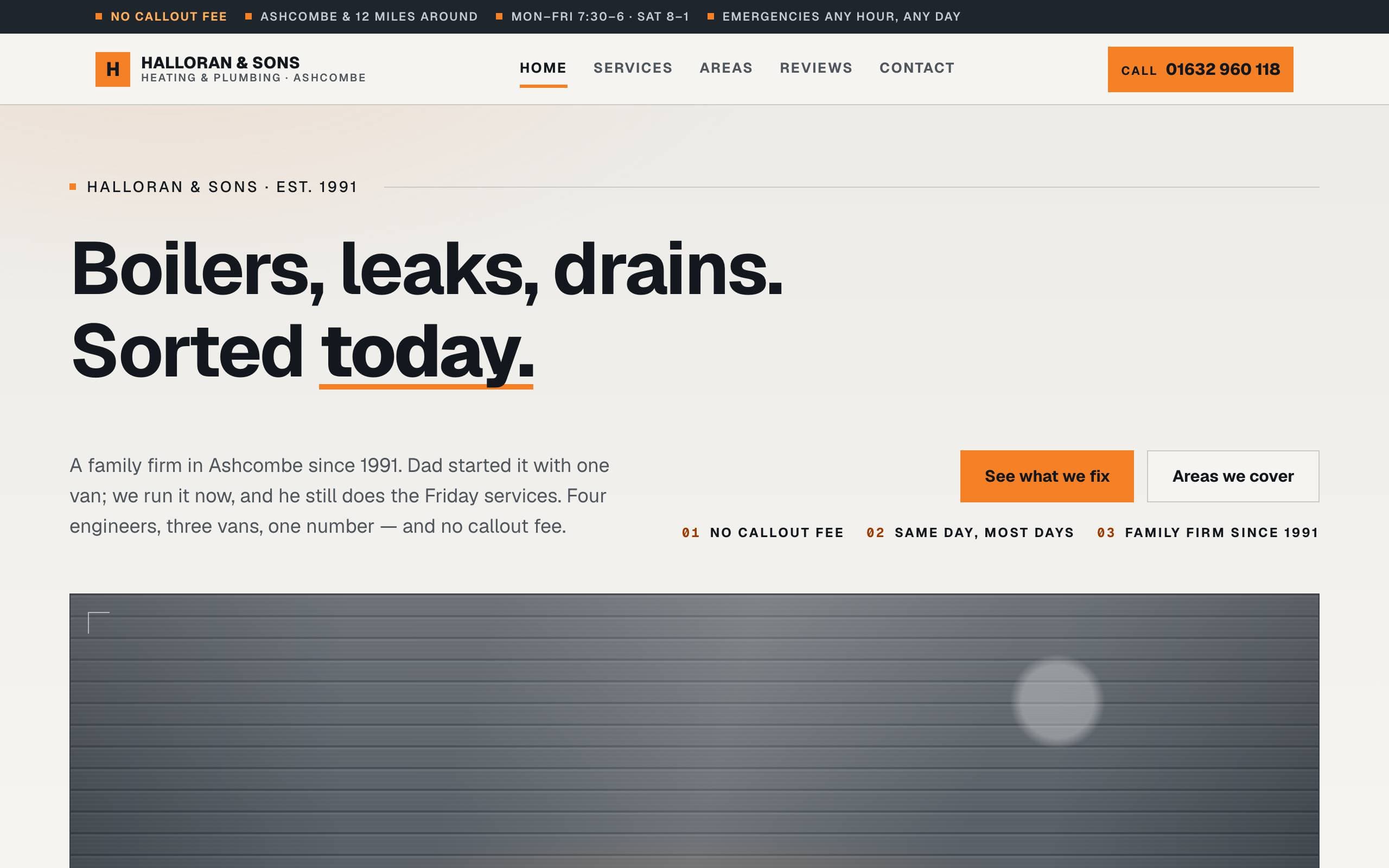
The plainest site in the gallery, on purpose: a fictional family heating and plumbing firm built to be believed and phoned.
5 pages · 22 unique blocks
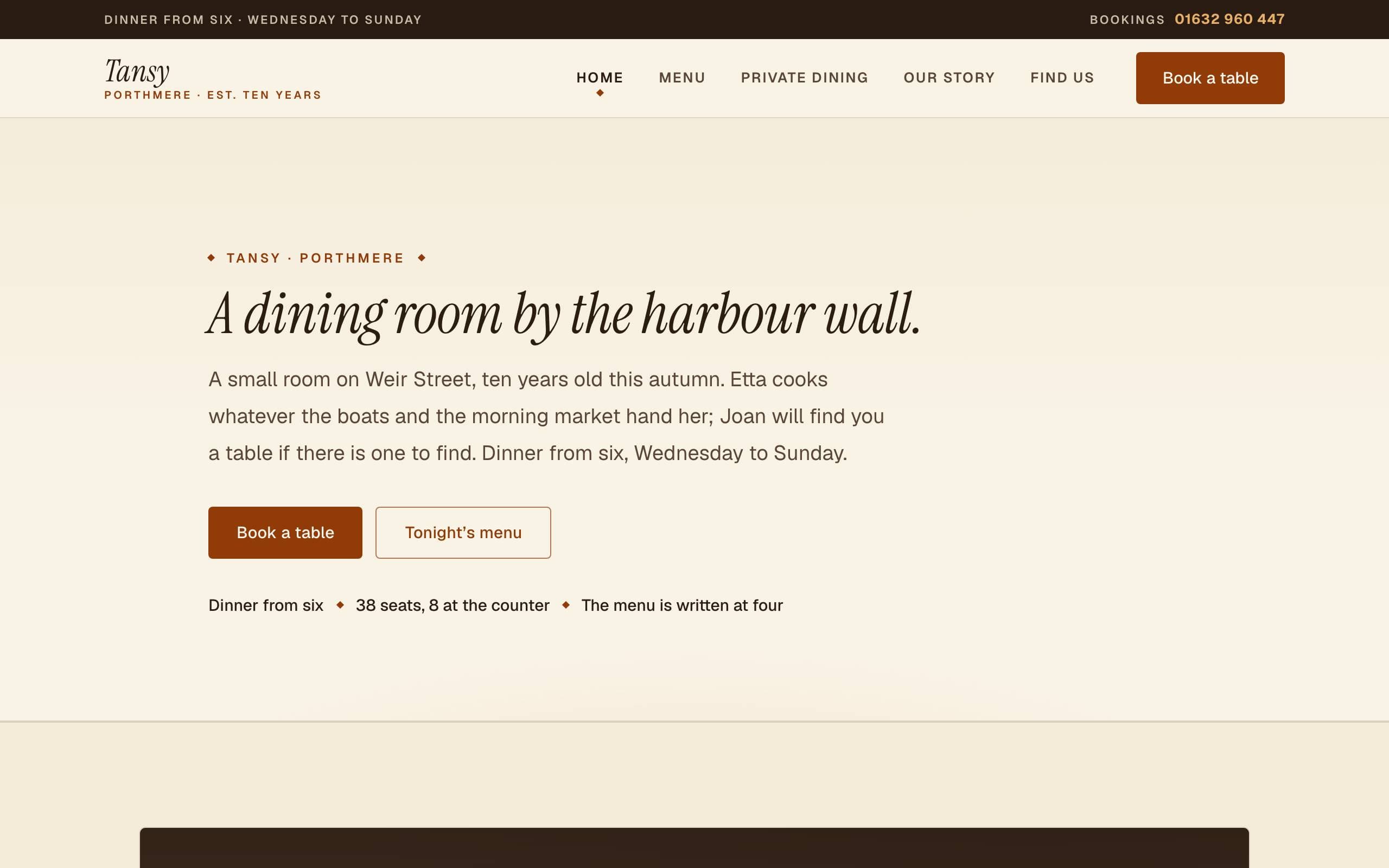
A fictional 38-seat harbour-town dining room where the menu is written at four each afternoon — the hospitality register: candlelit, unhurried, food-first, built around a menu and a phone number.
5 pages · 22 unique blocks
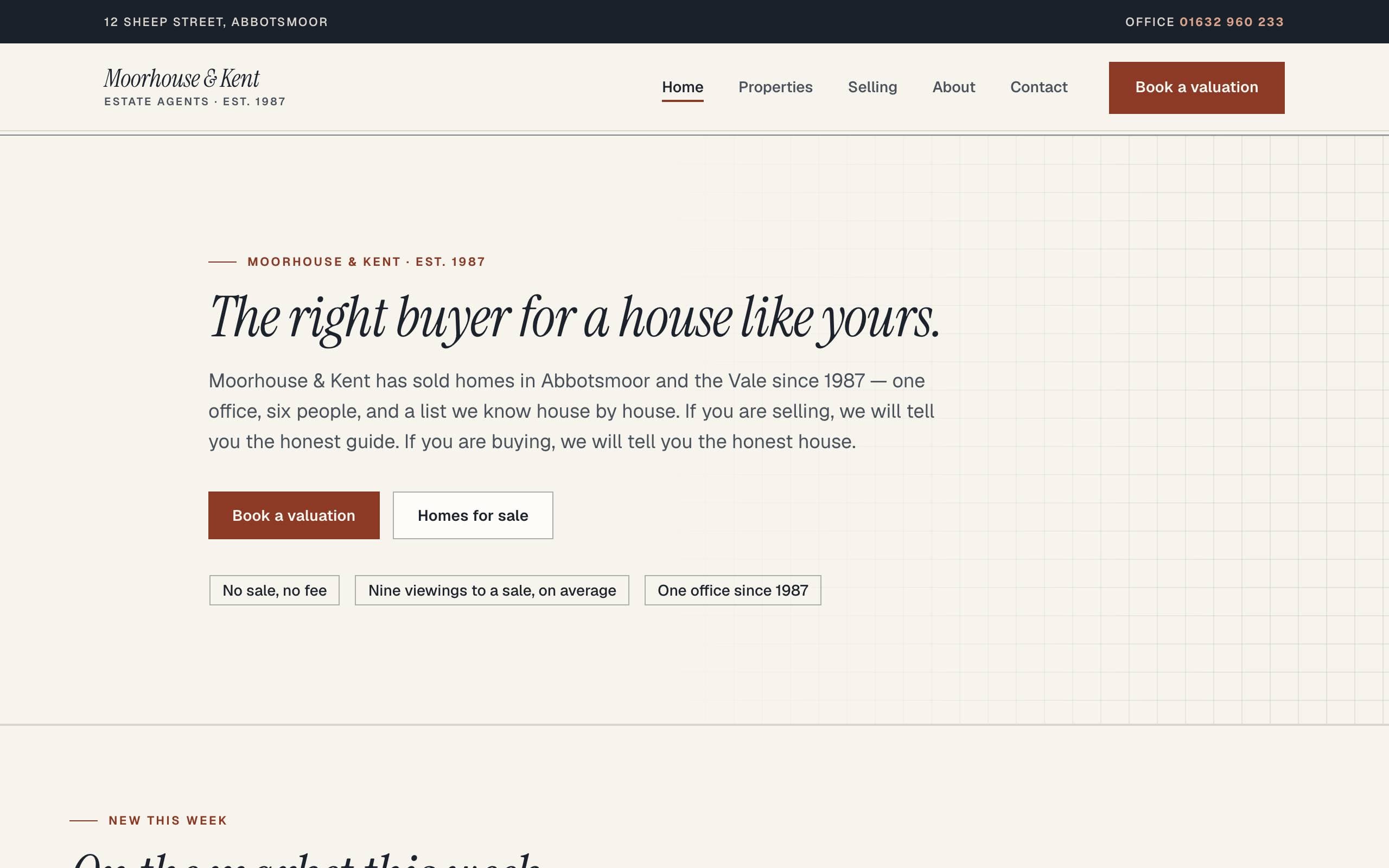
A fictional market-town estate agency built around the listing register — homes as cards, particulars as tables, and "just agreed" as the proof engine.
5 pages · 21 unique blocks
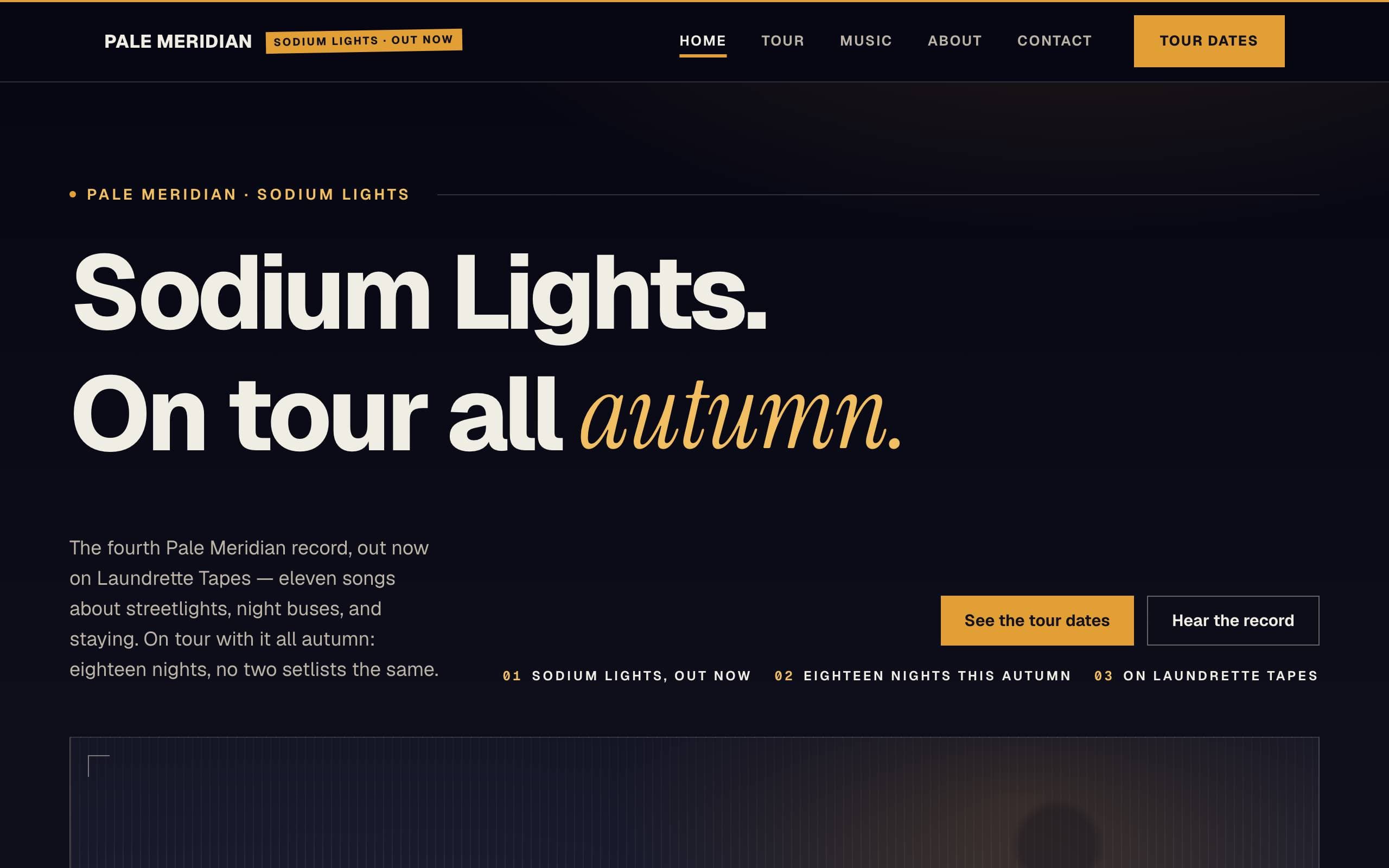
A fictional four-piece on tour behind their fourth record — the gig-poster register, built around a tour-date table, a discography of painted sleeves, and a mailing list called the letters.
5 pages · 19 unique blocks
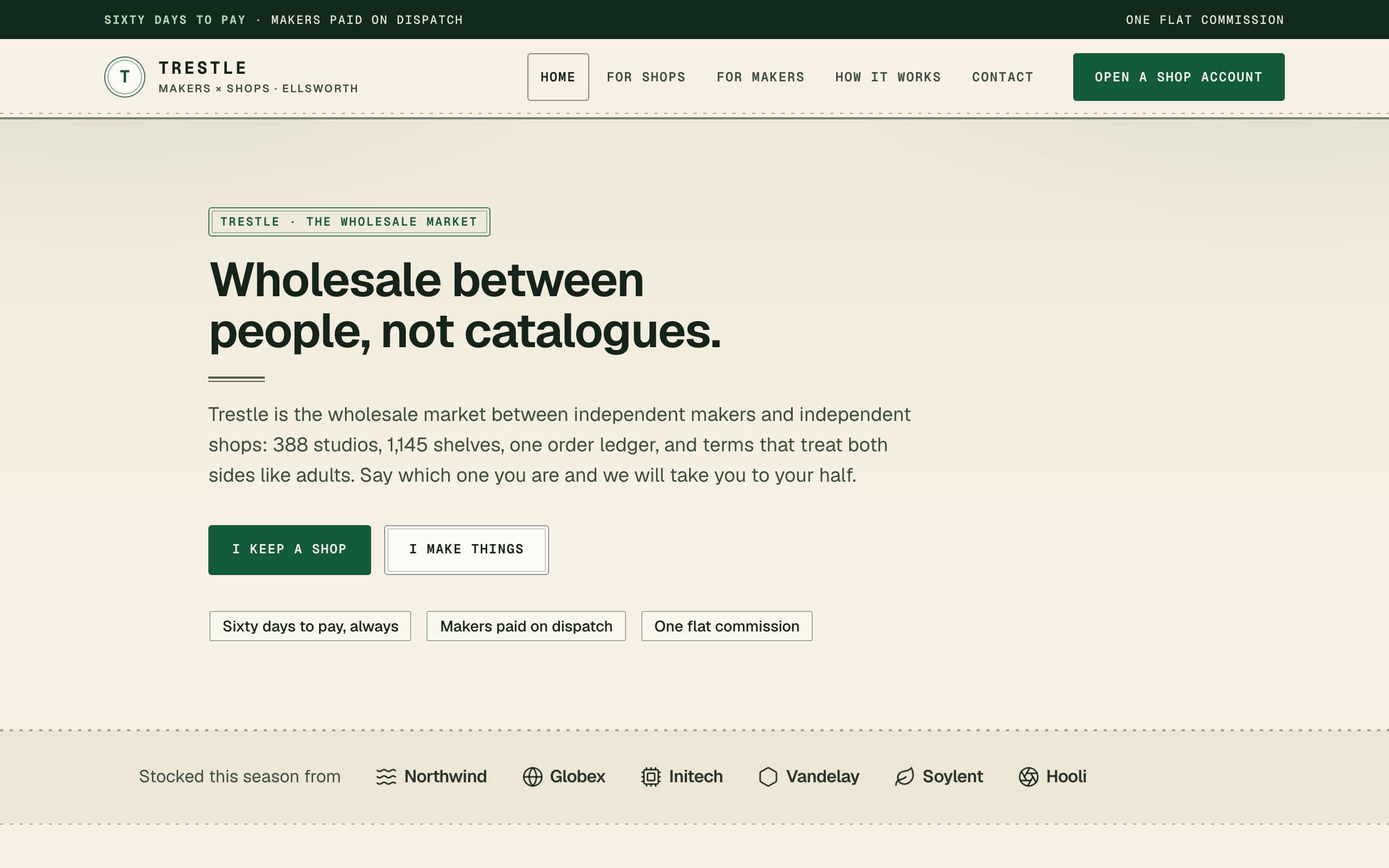
A fictional two-sided wholesale marketplace between independent makers and independent shops — the split-audience register, with the trust page that must convince both sides at once.
5 pages · 22 unique blocks
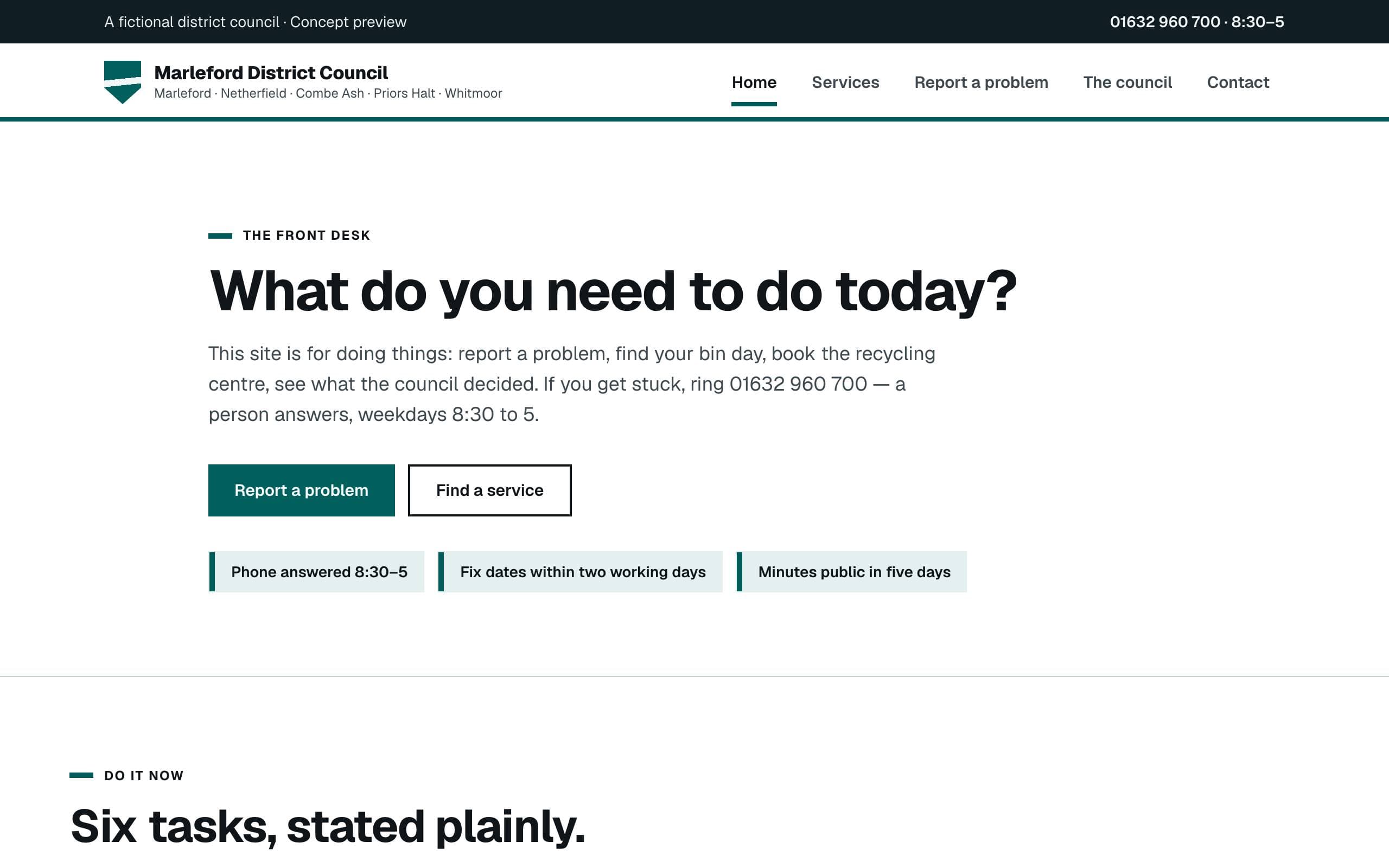
A fictional district council in the plain-language public-service register — top-task design, verbs first, and a front desk instead of a brochure.
5 pages · 17 unique blocks
Questions
The concepts are intentionally open about what works today and what remains a design reference.
Community
These concepts exist to answer one question with the community: should full-site templates become installable? The recipes, fictional brands, and installer RFC all live in the public repository — nothing gated, no email capture.