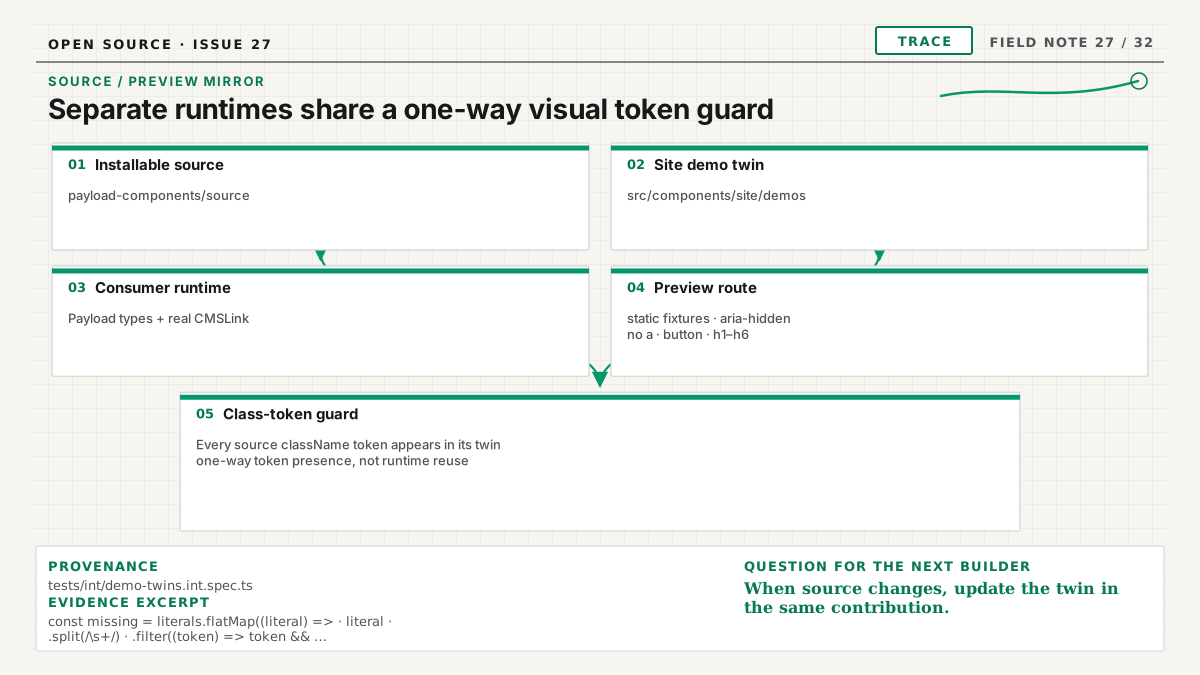
Payload Components is two systems in one repository. The public site is a Fumadocs-powered Next.js application with no Payload database. The installable component source targets somebody else's Payload v3 application. Importing target code into the site would collapse that boundary and make a documentation deploy depend on a CMS runtime it does not own.
Demo twins let the catalog show the installable component's design without crossing that line. A twin is a static, site-only specimen that preserves the source component's visual class groups while using fixture content and no Payload imports. It is explicitly a mirror, not the consumer component running inside the docs site.
Why not render the source directly?
Installable files can import generated Payload types, project aliases, link renderers, media utilities, or server modules expected in a consumer starter. The docs site intentionally has none of that application context. Adding mocks until the source imports would slowly recreate a fake Payload app inside the marketing site.
That approach would also blur ownership. Code under payload-components/source must remain portable
target source. Code under src/components/site/demos belongs to this site's presentation and test
environment. The architecture guide documents the split.
It also keeps the public site fast to understand. A new contributor can run the catalog without
seeding content, configuring a database adapter, or creating PAYLOAD_SECRET. The preview is a
documentation artifact with a narrow job, while the installed component is exercised in dedicated
consumer fixtures where Payload behavior belongs.
The twin pays a small duplication cost to keep deployments independent and the component contract honest.
Keep source class groups on one element
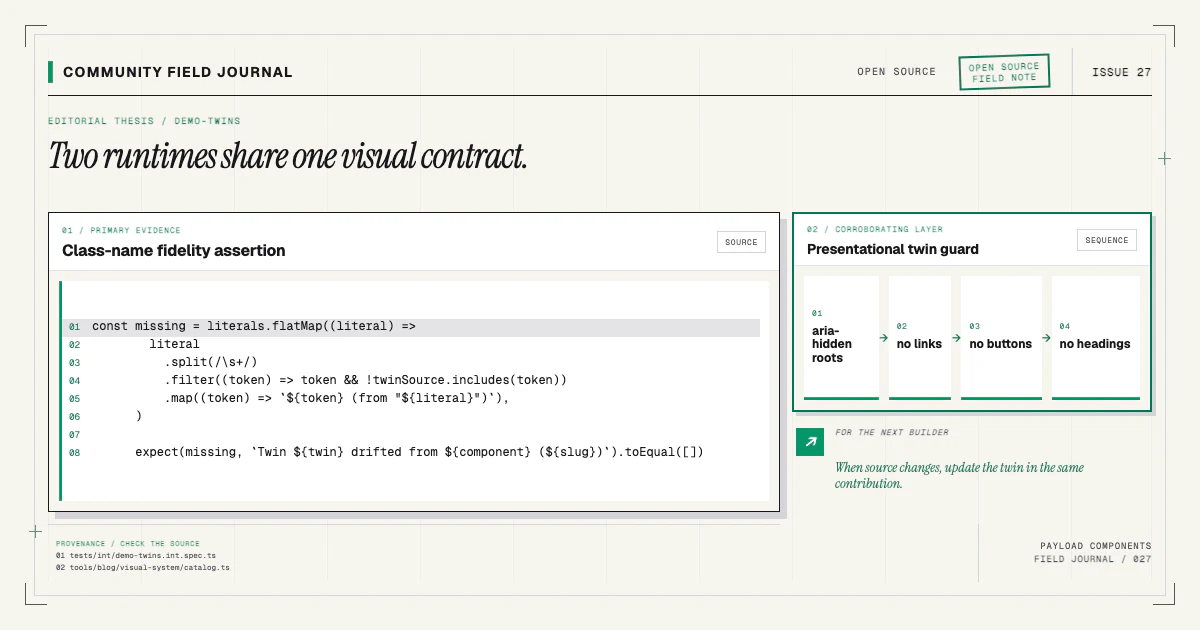
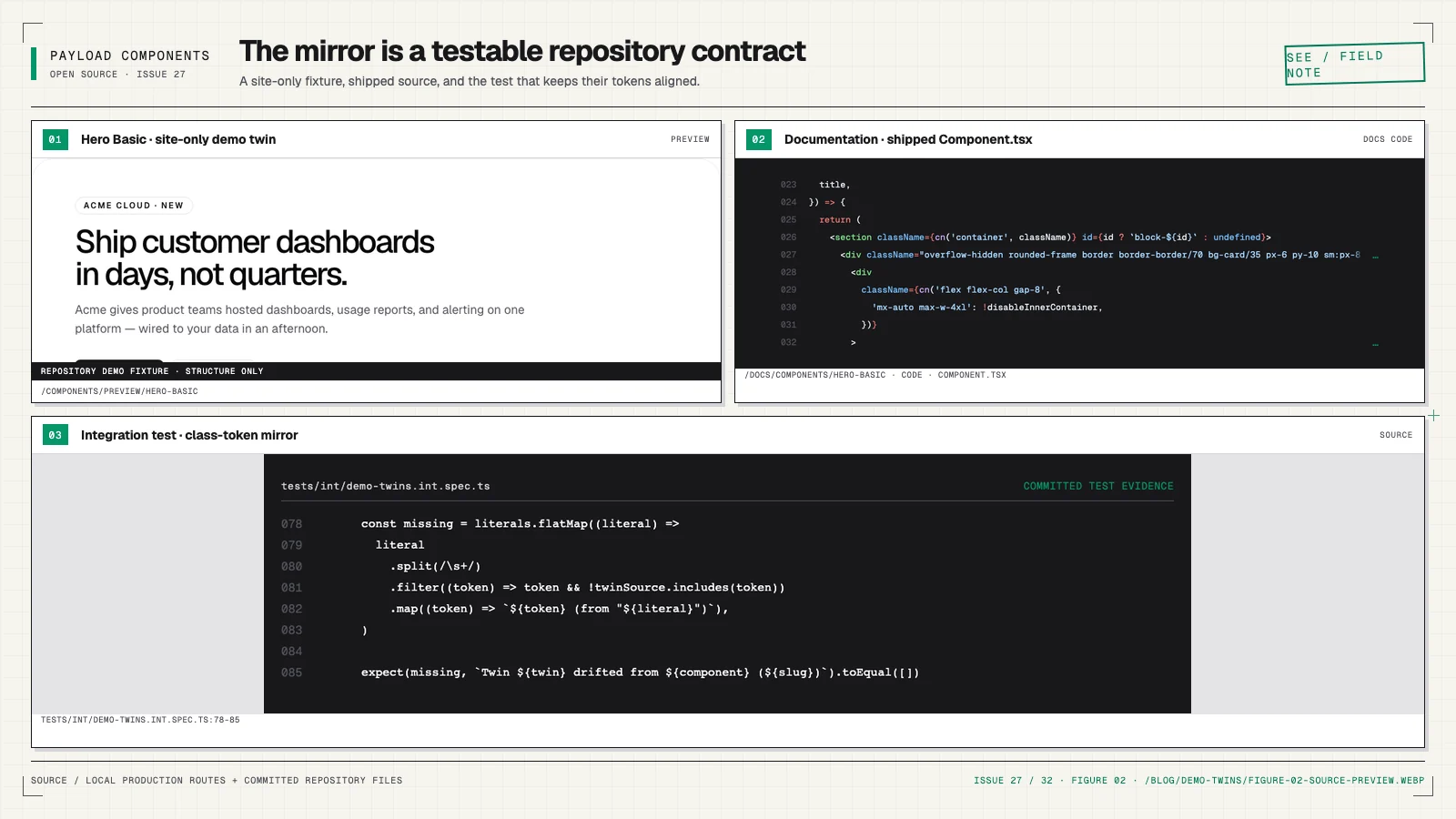
The key rule is that every visual class group found in the source component stays inside one class expression on a demo element. An integration test reads both files and enforces that one-way containment, including conditional and template-literal classes. Change a spacing class, grid breakpoint, radius, or typography token in source, and the corresponding twin must carry it in the same pull request.
The guard does not require identical control flow or identical token sets. Target source can narrow Payload relationships, render real links, and handle wrapper props. The twin can use small static arrays and interleave a few demo-only layout classes. What should not drift is the source styling users are evaluating in the catalog. Keeping each sequence on one element avoids the old false positive where individual tokens could be scattered across unrelated markup.
This rule makes the preview useful as design evidence. Without it, the site could advertise one component and install another.
Keep the twin out of the accessibility tree
Catalog cards already contain headings, links, and controls for browsing. A second fake hero heading or FAQ button inside the preview would pollute the document outline and keyboard order.
Twins remain aria-hidden, contain no interactive elements, and avoid heading elements. Decorative
text can use neutral containers styled like headings. Buttons and links become noninteractive visual
shapes. The installed component retains real semantics and behavior.
This is not permission to ignore accessibility in source. It is deliberate isolation of a miniature visual specimen from the surrounding page. Component docs and browser tests inspect the actual source contract separately.
The accessible FAQ article shows how interactive semantics live in the installed version while its preview remains inert.
Give every twin a chrome-free route
Each registered demo can render at /components/preview/<slug> without the site header or footer.
The route owns its viewport, so Tailwind breakpoints respond to the actual frame width rather than a
CSS-scaled desktop canvas. Docs embed that route, and Playwright captures it for visual baselines.
Stable routes make failures reproducible. A reviewer can open the exact specimen, compare mobile and desktop behavior, and update a baseline only when the visual change is intentional.
The preview route has no database and no live editor content. That keeps capture fast and deterministic.
Test source, twin, and screenshot together
Three checks protect different facts:
- Class-group containment: every source class group stays on one twin element, which may also have demo-only tokens.
- Visual standards: both rely on named color, radius, spacing, tracking, and font tokens.
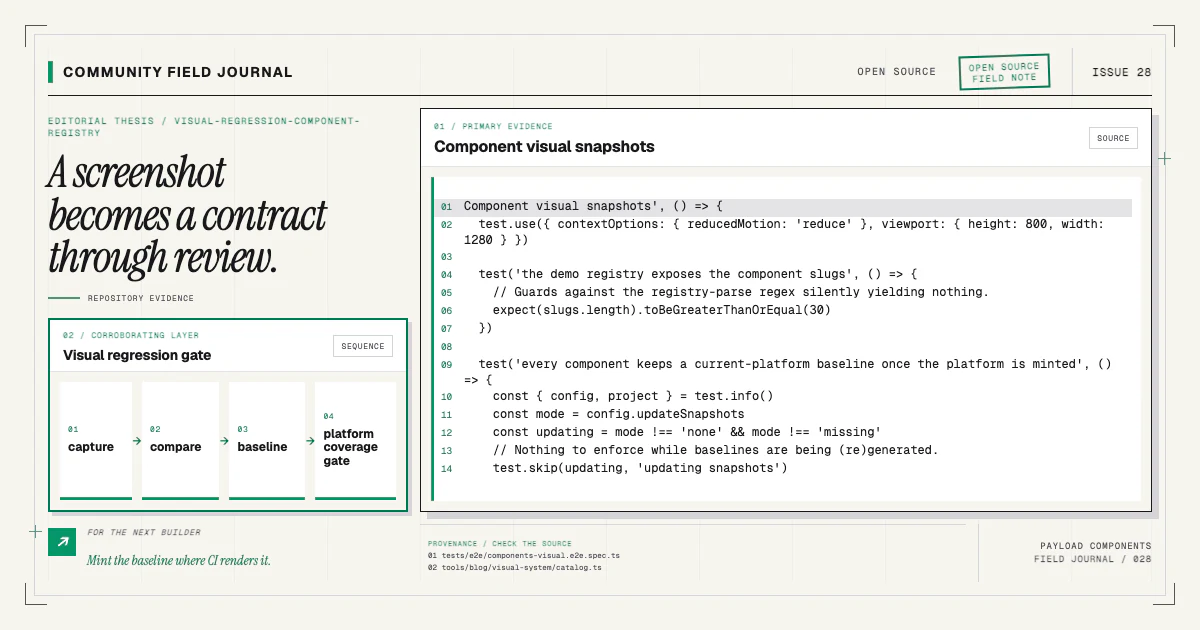
- Visual regression: the rendered twin matches a committed platform baseline.
None replaces the others. A pixel snapshot cannot explain that source drifted while the twin stayed stable. A class comparison cannot catch a changed DOM arrangement or asset. A token rule cannot prove the section still looks correct.
The visual regression guide follows the capture and coverage pipeline.
Update both sides in one change
When editing an installable component, open its twin immediately. Preserve wrapper behavior in source, preserve inert preview behavior in the twin, and run the focused mirror and visual tests. Only regenerate snapshots for an intended design change. Linux baselines are minted in the CI renderer so the gate compares like with like.
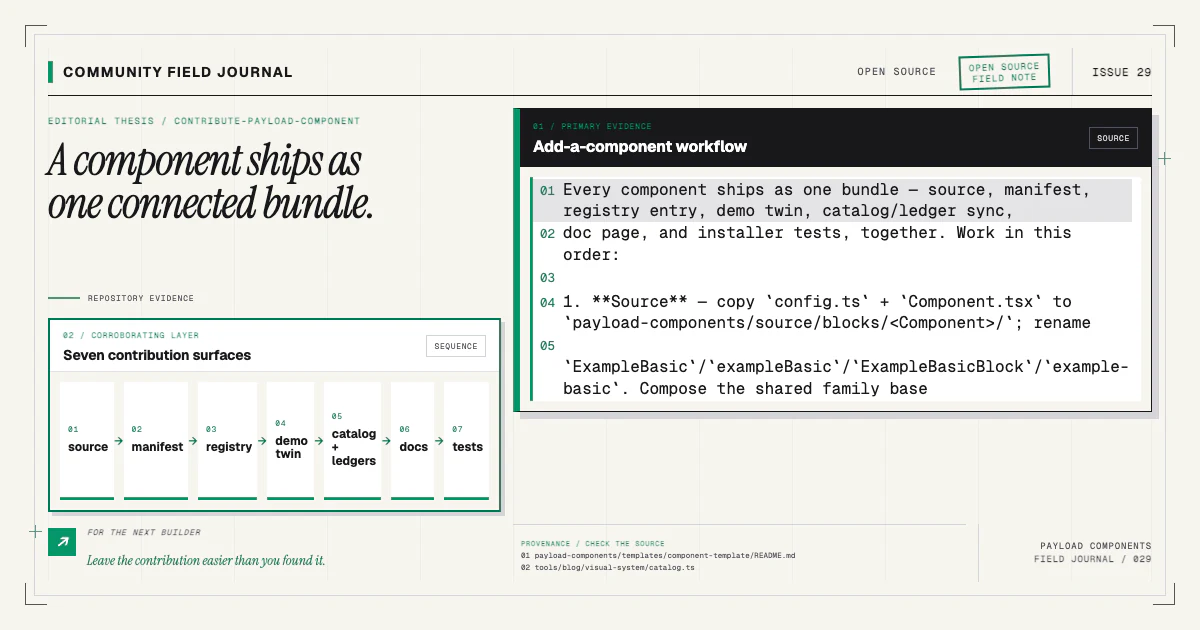
When adding a new component, register its twin before writing the docs page. The docs preview renders nothing without that registry entry, and a missing baseline should fail coverage once the platform's baseline set exists.
Install a real component and compare its source with the catalog specimen:
npx payload-components add hero-basicOpen the Hero Basic docs and the component catalog, then
inspect payload-components/source beside the demo. If you find a visual mismatch, contribute the
source/twin correction and the focused test result through the contributing guide.
The twin architecture works only when the community treats fidelity as one shared change.