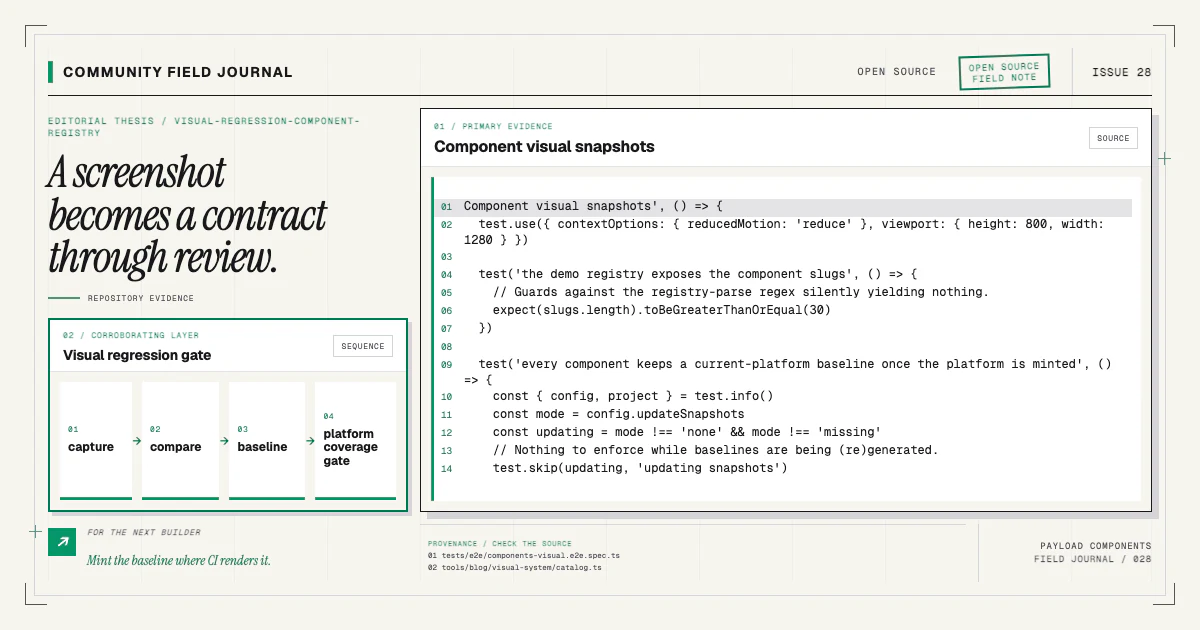
A component registry can compile while its cards overflow, headings wrap badly, or mobile order breaks. Visual regression tests turn representative rendering into a reviewed contract. They are most useful when capture is stable, baselines are platform-aware, and missing coverage cannot hide behind a silent skip.
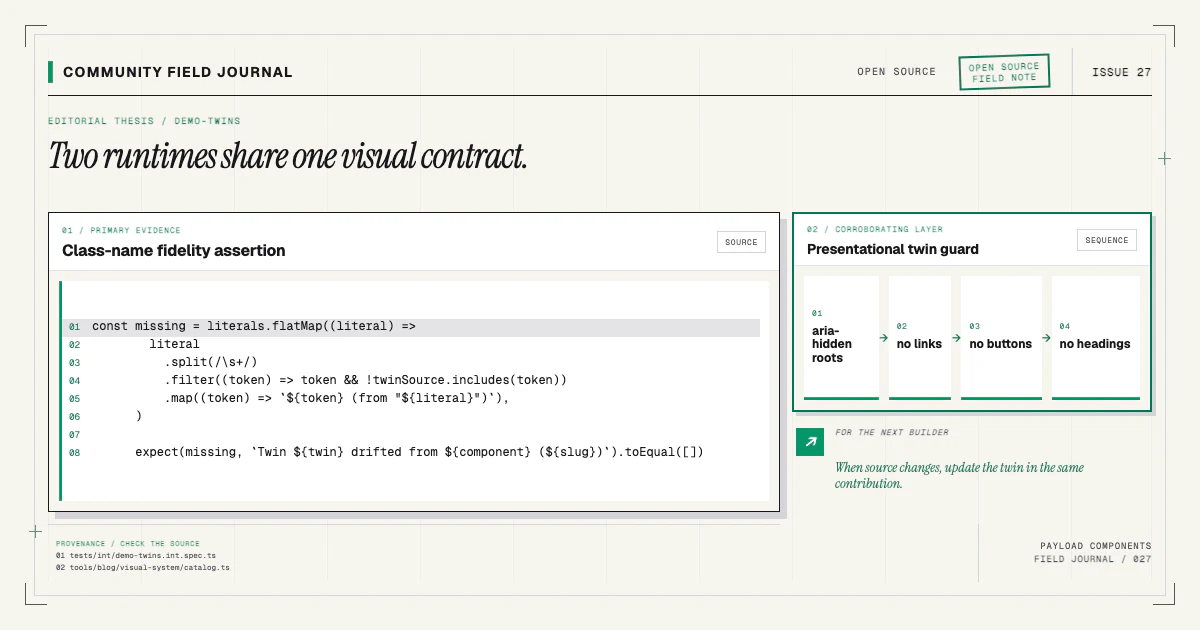
This repository renders each demo twin on a chrome-free route, captures it through Playwright, and compares the result with committed baselines. Integration tests separately keep every installable source class token present in the preview.
Capture one component, not the whole site
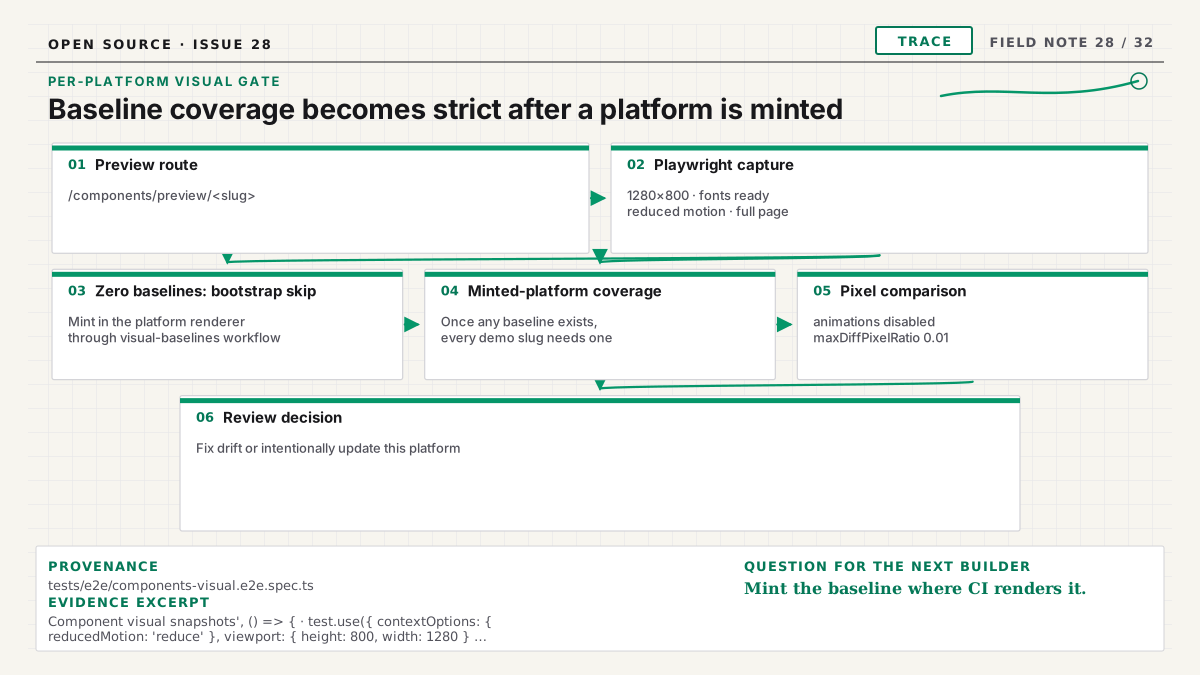
The route /components/preview/<slug> removes navigation and catalog chrome. It renders one demo twin
inside a controlled container. That isolation reduces unrelated diffs and gives the component's own
responsive breakpoints a real viewport.
Capturing a CSS-scaled specimen inside the catalog would be misleading. Tailwind media queries respond to the browser viewport, not the visual width created by transform scaling. An iframe or dedicated page gives the demo an honest layout environment.
The demo-twin article explains why the preview uses site-only fixtures while retaining source class tokens.
Control sources of nondeterminism
Use fixed viewport sizes, the same browser project, stable fonts, deterministic fixture content, and settled assets. Disable or finish animation in capture mode. Wait for fonts and images rather than a random timeout. Avoid current timestamps, random IDs rendered as text, live network content, and environment-specific data.
Motion behavior still needs its own tests. Freezing motion for a screenshot is appropriate only when browser coverage separately proves reduced-motion and interaction paths. The motion guide describes that division.
Keep expected rendering light-themed or dark-themed according to the product contract. This site is forced light; terminal cards are intentional dark surfaces, not evidence of theme switching.
Use per-platform baselines honestly
Fonts, rasterization, and browser rendering can differ across macOS and Linux. A local macOS image should not silently become the expected Linux CI baseline. Name or organize snapshots by project and platform so comparisons remain meaningful.
Linux baselines are generated in the CI renderer through a dedicated workflow. That avoids approving a locally simulated image the gate never actually produces. Local baselines remain useful for quick iteration and visual review on the developer's platform.
Do not increase pixel thresholds until a real regression disappears. First inspect whether the difference comes from fonts, animation, assets, environment, or an intended design change.
Make missing baselines visible
On a zero-baseline platform, cases intentionally skip while the renderer is being bootstrapped. That exception ends as soon as its first baseline is minted. From then on, the platform is established, and a new component must not ship without a visual contract while CI stays green.
A coverage guard enforces that boundary. Once any baseline exists for a platform, every current component must have one. Missing coverage fails the gate with the slug. The contributor can then mint the intended image through the documented workflow.
The count should derive from the component registry or site source of truth, not a second hand-written list that can drift.
Review diffs as product changes
When a screenshot fails, open expected, actual, and diff images. Determine whether the change is:
- an accidental regression in source;
- an intentional design update;
- a demo-twin mismatch;
- a capture instability;
- a platform baseline that needs minting.
Fix accidental behavior in source and twin. For intentional changes, review responsive states and related variants before updating snapshots. The baseline update belongs in the same pull request and should be explained like any other product change.
Never regenerate all images merely to make the suite green. Broad churn can bury the one component that moved unexpectedly.
Pair pixels with semantic tests
A screenshot cannot prove heading order, accessible names, keyboard behavior, link destinations, reduced-motion completeness, or data correctness. Browser assertions and accessibility scans cover those facts. Integration tests cover registry, manifest, source, and demo contracts. TypeScript covers generated prop relationships.
The useful suite is layered:
- visual standards reject arbitrary design values in source;
- class-token containment tests keep source tokens present in previews;
- component snapshots detect rendered change;
- page tests catch overflow and composition issues;
- interaction and accessibility tests verify behavior.
The testing contract in the docs tells contributors which checks to run for a component change.
Keep the suite proportional
Capture one representative state per component at the catalog's standard viewport, then add focused states only when they protect a real risk. Do not snapshot every possible copy value. Use browser assertions for dynamic behavior and unit or integration tests for content transformations.
At page level, keep a desktop and mobile baseline for important shared layouts such as the catalog, blog index, and article chrome. Those snapshots catch composition changes the isolated component route cannot see.
Run the smallest affected visual case while iterating, then the full browser gate before shipping.
Add a component with its baseline
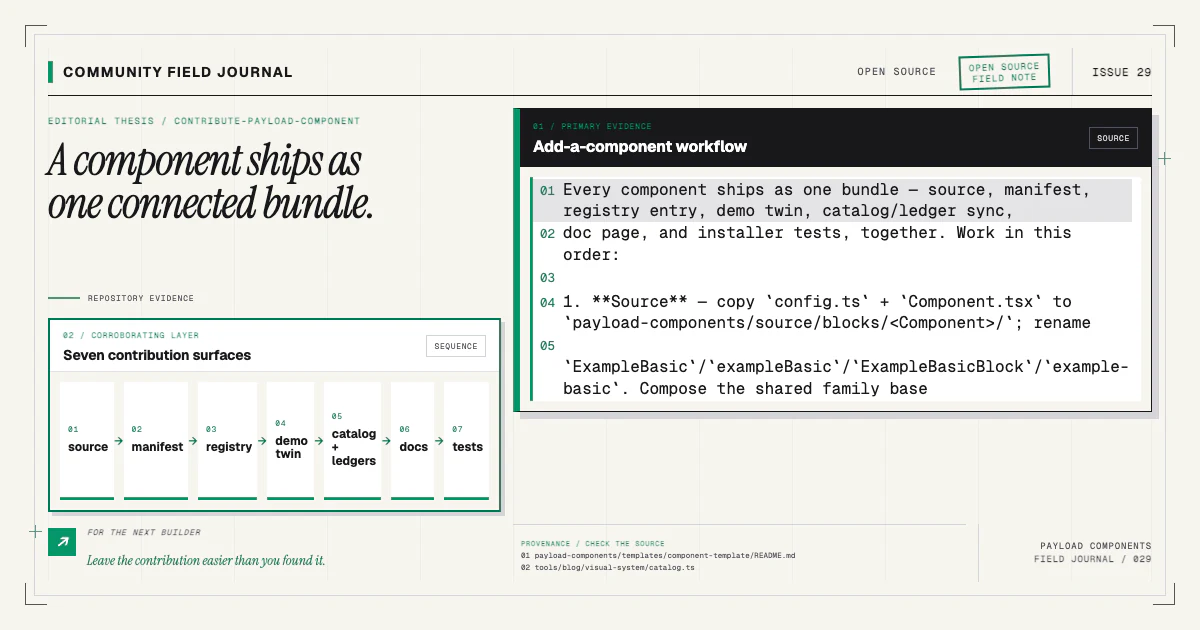
A complete component contribution registers the demo twin and adds its visual case alongside source, manifest, registry, docs, and installer tests. Start with an existing item to understand the route:
npx payload-components add feature-bentoCompare the installed source with the Feature Bento docs and preview. If you find a flaky capture or uncovered platform case, contribute the minimal reproduction and stabilization through the contributing guide. A visual gate earns trust when it makes change legible and missing evidence impossible to ignore.