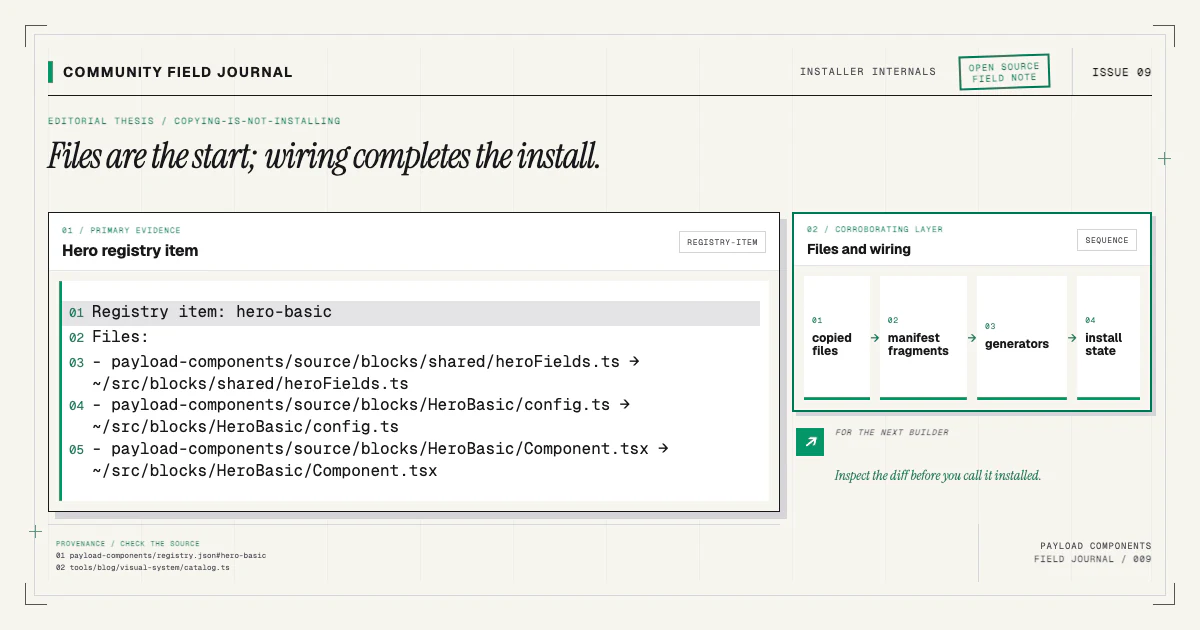
The shadcn registry format is useful beyond buttons and dialogs. Its central idea is source distribution: describe files and dependencies in JSON, publish the item at an address, and let a consumer copy the source into their repository. Payload blocks benefit from exactly that ownership model.
The format does not make a Payload block self-registering. It gives us a standard delivery layer on which a Payload-aware installer can build. Keeping those responsibilities separate lets people use the public registry directly while the companion CLI handles collection, renderer, and generator work for supported projects.
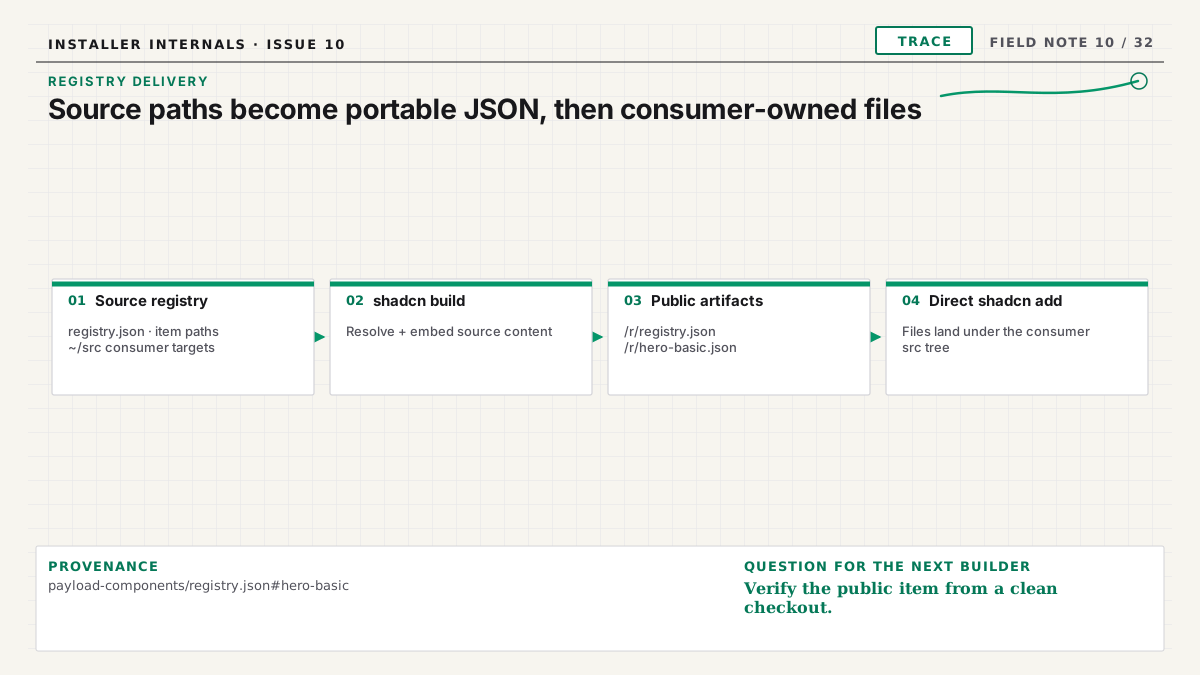
Start with a source registry
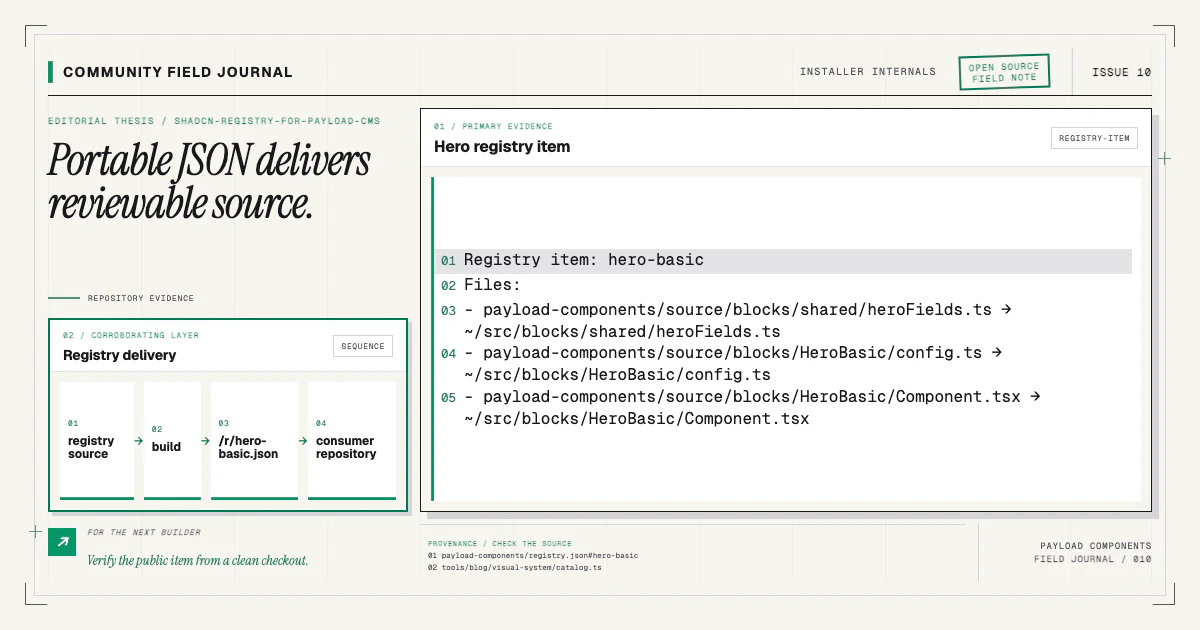
In this project, payload-components/registry.json is the source registry. An item identifies a
component, its type, dependencies, registry dependencies, and files. File entries read from
payload-components/source, but their targets point into the consumer repository under ~/src/....
A simplified item looks like this:
{
  "name": "hero-basic",
  "type": "registry:block",
  "dependencies": [],
  "registryDependencies": ["badge"],
  "files": [
    {
      "path": "payload-components/source/blocks/HeroBasic/config.ts",
      "target": "~/src/blocks/HeroBasic/config.ts",
      "type": "registry:file"
    }
  ]
}
The current registry item JSON specification is the primary reference for supported fields and types. Schema validation in this repository uses vendored shadcn schemas so release checks do not depend on a changing remote response.
The registry guide documents the local source, generated output, and direct install contract in more detail.
Build public items with embedded content
shadcn build reads the source registry and writes resolved JSON under public/r. Each component
item contains the actual file content required for installation. The generated directory is build
output and is not hand-edited.
That rule matters. If someone fixes a generated public item without changing the source registry or
component file, the next build erases the fix. All durable edits belong in registry.json,
payload-components/source, or the tooling that assembles them.
The build must be reproducible. A clean checkout should produce the same public JSON. Release tests generate output, compare it with expectations, validate every item against the schema, and ensure target paths do not escape the intended source tree. The reproducible registry article explains that gate.
Distinguish dependencies from shipped source
The registry has two dependency concepts. dependencies lists packages the consumer's package
manager installs. registryDependencies asks shadcn to install other public registry components,
such as a shared UI primitive.
An internal relative module is neither. If three hero variants import shared/heroFields.ts, every
variant needs to ship that real file in its own files list. Giving it a name in
registryDependencies would make shadcn look for a public component and eventually fail with a
missing registry item.
Use normal source composition for code that belongs to the installed family. Use a package dependency for a versioned external library. Use a registry dependency for a public shadcn item the consumer should also own as source. The categories communicate ownership.
Target paths are part of the public contract
The path points into this repository; the target describes where the file lands in another
repository. A source path can move during maintenance without changing consumers if the target stays
stable. Changing a target, however, affects imports, manifests, documentation, and upgrades.
Review targets for three properties:
- They remain under the consumer's intended source root.
- Imports inside shipped files resolve at those targets.
- The companion manifest lists the same owned files.
Payload Components validates these boundaries because registry JSON is an installation input. A malformed or malicious traversal target must not write outside the project. The same care applies to component names and resolved registry URLs.
Direct installation deliberately stops at files
Every component page includes a direct command using the public item URL. That path is useful for a team that wants source but has a custom Payload architecture:
pnpm dlx shadcn@latest add https://www.payload-components.xyz/r/hero-basic.jsonAfterward, the team manually imports the block config, registers it in a Blocks field, maps the frontend renderer, and runs its generators. The direct command must not claim otherwise. The copying versus installing article explains why those host edits cannot safely live in a generic registry item.
This is a feature of the separation, not a deficiency. The public registry stays compatible with normal shadcn tooling. Payload-aware automation remains visible and optional.
For the supported wired route, follow the installation guide.
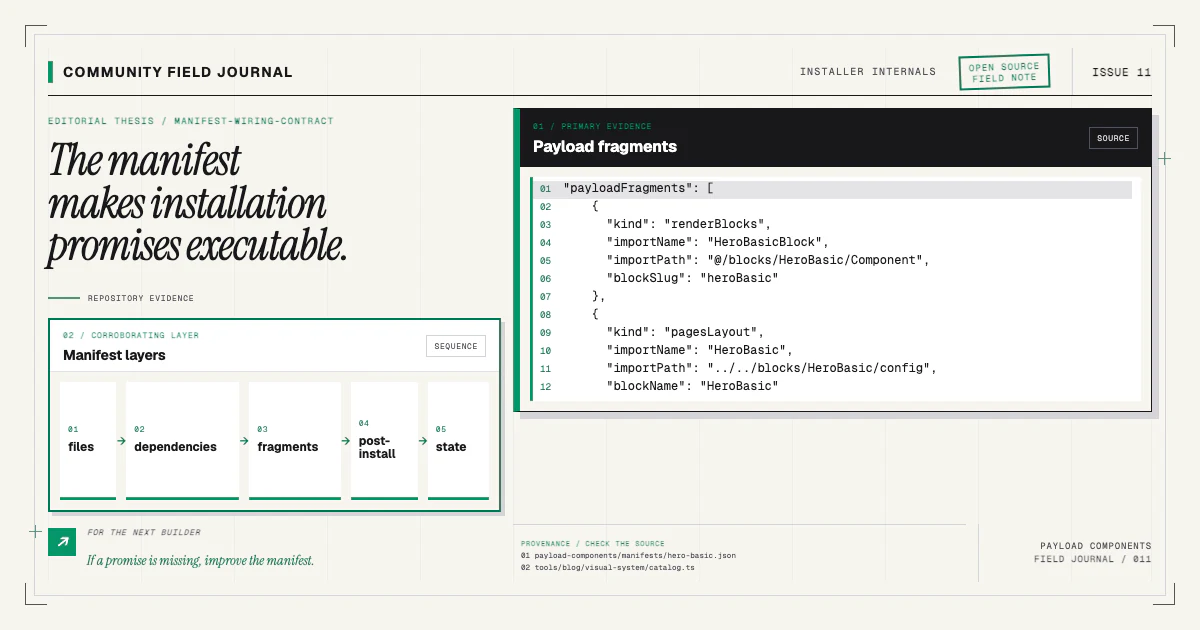
The manifest adds the wiring contract
Beside each registry item, payload-components/manifests/<name>.json describes the component's
supported target and application integration. It lists owned files, dependencies, source fragments,
post-install scripts, and version metadata.
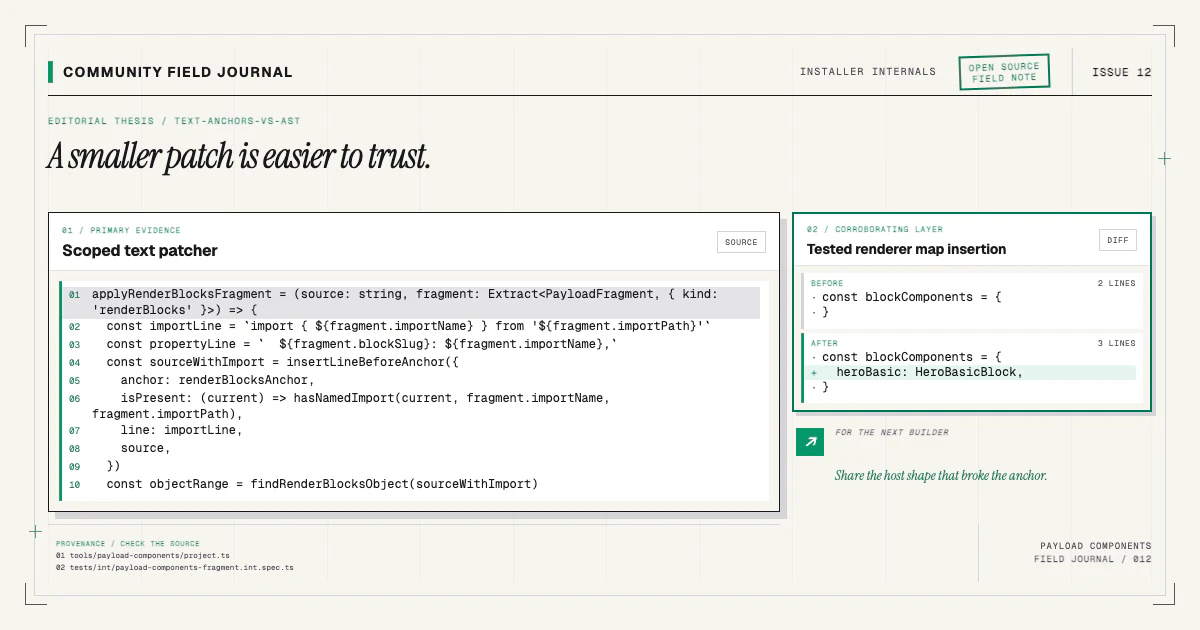
The companion CLI resolves both records. Registry delivery copies the source. Manifest stages patch the supported collection and renderer shapes. Generation runs in the consumer project. State records what completed. The manifest contract article explores each layer.
Keeping registry and manifest separate also makes validation sharper. The registry can be checked against the public shadcn schema. The manifest can be checked against a project-specific schema. A change to one file set must update both, and integration tests install the item into a fixture to prove they still agree.
Publish the index and items together
The public surface includes /r/registry.json and one JSON document per item. The index allows
discovery; individual item URLs power direct commands. Deployment must publish resolved content, not
only the source registry file.
Before announcing or submitting a registry to a directory, verify the live URLs return successful responses, item files embed source content, and target paths are correct. Validate against the current upstream directory requirements at submission time, because description or logo rules can change independently of item-schema validity.
The website's registry build happens as part of the project build, and local release checks compare the result. That prevents a deploy from serving stale generated items after source changes.
Use the registry as an open contribution surface
Because each item is JSON plus source, contributors can review the entire delivery contract in one repository. Adding a component is not just dropping in a TSX file. A complete contribution includes source, manifest, registry entry, component docs, demo twin, and installer tests.
Start with the contributing guide and an existing component family. Run the direct registry command on a disposable branch, then try the wired route:
npx payload-components add hero-basicCompare the two diffs. If the public item is missing a file or the manifest owns a path the registry does not deliver, that is a concrete contract bug. Open an issue or pull request with the failing item and validation output. A standard registry becomes genuinely useful when its boring details are kept accurate by the people who install it.