A missing block is rarely mysterious once you inspect the pipeline in order. The frustrating part is that several different failures look identical in the browser: an empty place where a section should be. Randomly editing the React component mixes the layers and usually wastes time.
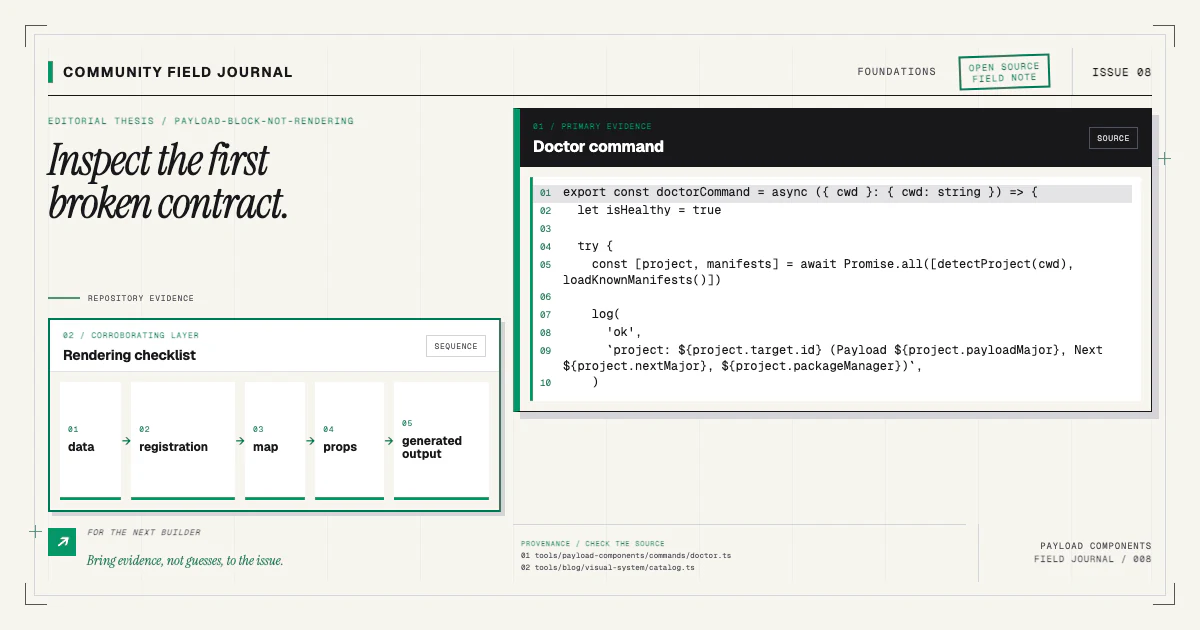
I debug from the document outward. First prove the data exists. Then prove the collection accepts the config, the renderer recognizes the discriminator, the generated artifacts are current, and the component can render the actual values. Stop at the first broken contract.
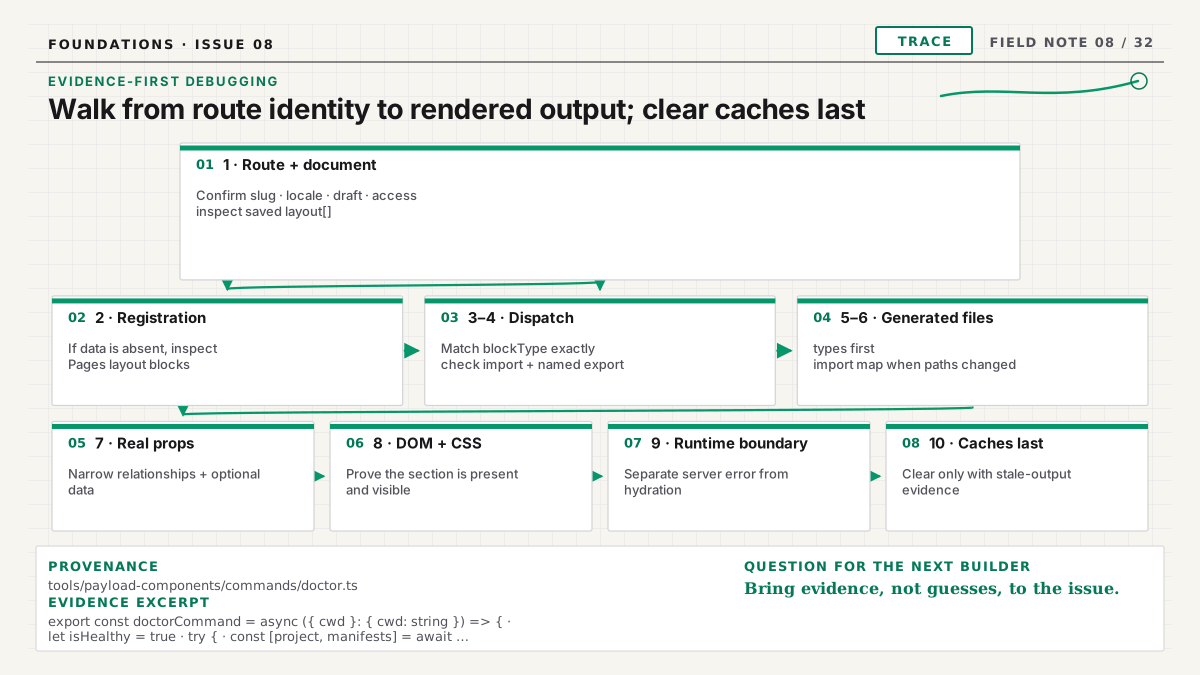
1. Confirm you are looking at the expected page
Start with route identity and fetch parameters. Log the page slug or identifier used by the Next.js route and the document ID returned by Payload. Check locale, draft status, depth, access, and any tenant filter. It is surprisingly common to edit a draft in one locale while the frontend fetches the published document in another.
If the application caches Payload responses, temporarily request the document through the same code path with caching disabled or revalidated. Do not conclude that the renderer is wrong while reading yesterday's page object.
Use Payload's admin, REST response, GraphQL response, or Local API server log to inspect the actual
layout array. The array should contain an entry with the expected blockType and fields. Remove or
redact sensitive content before sharing a payload in an issue.
If the block is not in the document, stay on the content side. If it is present, record the exact discriminator and continue to the renderer.
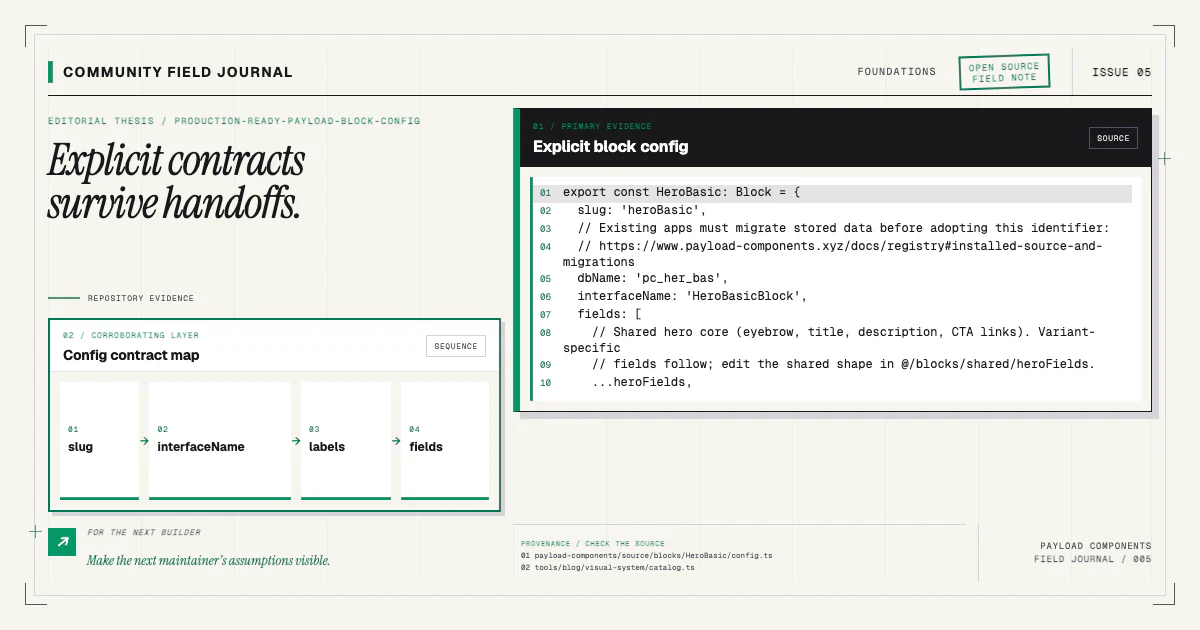
2. If data is absent, verify the Blocks field registration
Open the collection config used by the running Payload process. Find the field—commonly
name: 'layout', type: 'blocks'—and confirm its blocks array includes the imported config.
Payload's Blocks field documentation is the reference
for the schema.
Check for these common mistakes:
- The block is imported but never added to the array.
- It is registered in a different collection than the one being edited.
- A barrel export points to an old config.
- Development and production load different config files.
- The slug changed after documents were created.
- Access or field conditions hide the control for the current editor.
Restart the Payload dev process after config changes when hot reload has not rebuilt the schema. Open the block chooser. The explicit label from the config should appear. Add the block, enter a recognizable value, save, and inspect the document again.
The production-ready config guide explains why a stable slug and explicit labels prevent several of these problems.
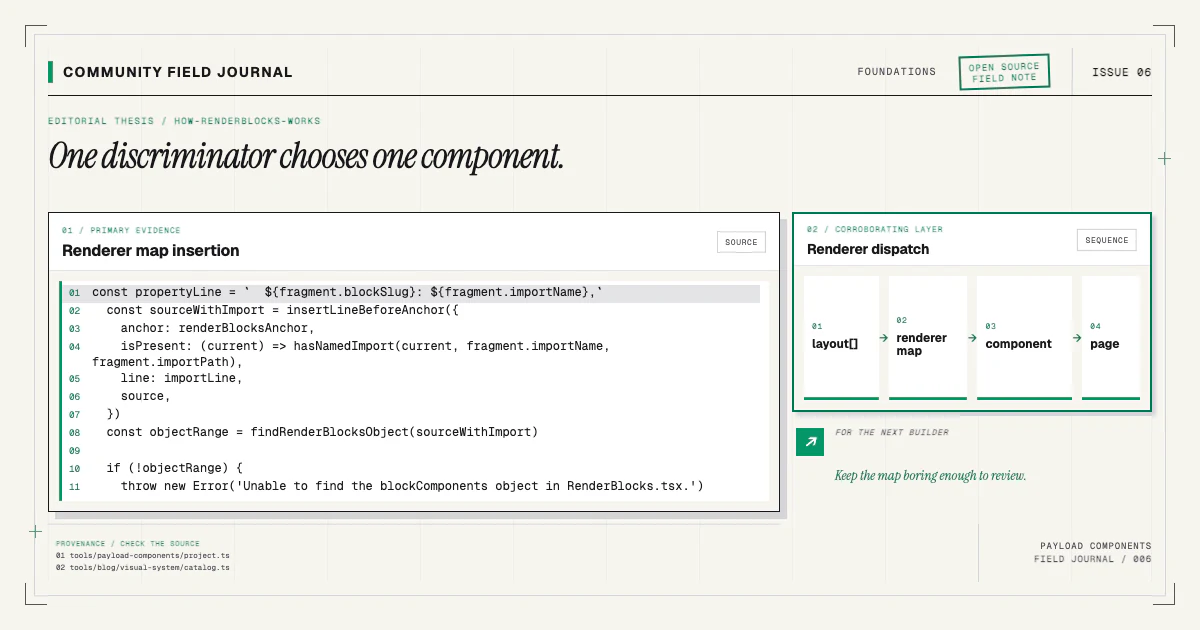
3. Match the persisted discriminator exactly
Suppose the saved data contains blockType: 'heroBasic'. The renderer map needs that exact key:
const blockComponents = {
  heroBasic: HeroBasicBlock,
}hero-basic, HeroBasic, and hero are different strings. Do not derive the key from a filename or
display label unless the entire application owns and tests that convention. Copy the value from the
document and search the renderer source for it.
If the slug was renamed, old documents retain the old value. Decide whether to migrate the data or temporarily support both keys. Avoid silently rendering an unrelated component under the old slug; that hides a migration decision in presentation code.
Add a development warning for unknown types. A map lookup followed by unconditional null turns a
specific missing key into an empty screen. The RenderBlocks guide
shows the boundary and its typing options.
4. Verify the component import and export
If the key exists, inspect its value. Confirm the import path, filename case, named versus default export, and barrel file. macOS can allow a path-case mismatch that fails in a case-sensitive Linux build. A stale editor or bundler cache can also preserve a module that moved.
Render a temporary, static element at the map value only long enough to isolate dispatch:
const HeroProbe = () => <section data-debug="hero-probe">Renderer reached hero</section>If the probe appears, lookup and iteration work; the failure is inside the real component or its props. Remove the probe immediately after the test. If it does not appear, log the layout length, current discriminator, and whether the lookup returned a component.
Do not “fix” an import problem with a broad dynamic loader. Precise imports make server/client boundaries, bundle errors, and registry patches easier to reason about.
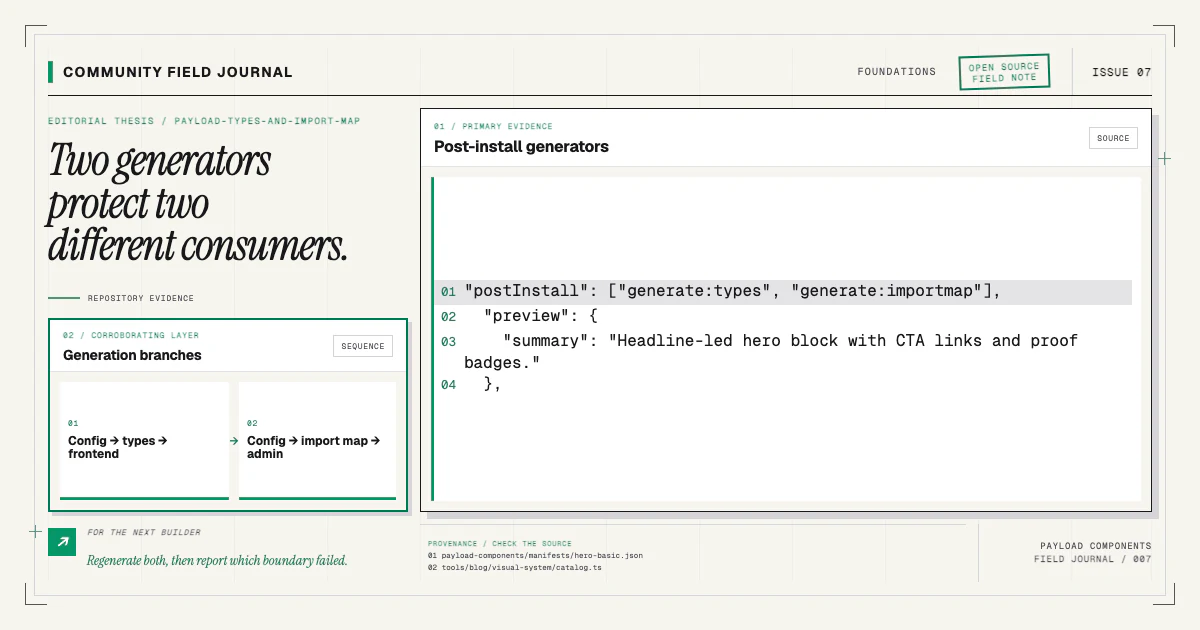
5. Regenerate Payload types
Search payload-types.ts for the block discriminator and its interface. If it is absent or fields
are stale, run the project's type generation command. Payload's official
generation guide covers configuration and
commands.
Stale types may block compilation, or they may encourage someone to cast the block until it compiles.
Remove those casts after generation. The correct union member should narrow from blockType and
expose the current fields.
If generation succeeds but the block remains absent, verify that the command loads the same Payload config and environment as the application. Check the configured output path; a second generated file elsewhere in the repository does not help the imports your renderer uses.
6. Regenerate the admin import map when paths changed
A missing public section and a broken admin component can happen together after source files move. Payload's custom components overview documents import-map generation. Run the configured command, inspect the expected entry, and restart or rebuild the admin.
Remember that types and the import map have independent failure modes. The frontend can be correctly typed while the admin module graph is stale. The detailed types and import-map article explains how to keep both in sync.
7. Inspect the real component props
Once the probe renders and generated types are current, log a sanitized copy of the narrowed block. Compare it with the component signature. Look for a renamed field, relationship that needs greater fetch depth, rich-text value treated as a string, upload relation returned as an ID, or optional array used without a guard.
Prefer generated props:
import type { HeroBasicBlock as HeroBasicBlockData } from '@/payload-types'

export function HeroBasicBlock(props: HeroBasicBlockData) {
  // render fields with deliberate empty states
}
If a relationship type is string | RelatedDocument, narrow it rather than asserting the populated
shape. Fetch depth is a runtime decision. If preview and production use different depth, test both.
Check early returns. A component may intentionally return null when a heading, media item, or list
is absent. Confirm that condition matches the schema. Required fields help new content, but old
documents, access filtering, and drafts can still produce missing values.
8. Check CSS and document structure
The component may be in the DOM but invisible. Inspect it in browser developer tools. Look for
display: none, zero height, clipped overflow, transparent text, an absolute child without a sized
parent, a foreground/background token collision, or a breakpoint that hides the only content.
Disable styles on the section and confirm text exists. Test at several viewport widths. Validate that the page has no invalid nested interactive elements or heading assumptions that cause hydration to replace content.
This repository is forced light and uses named tokens, so a block copied from a dark-context example must still use the consumer's token contract. Avoid hard-coded colors as a debugging patch; fix the semantic token or component state.
9. Separate server errors from client hydration
Read the server terminal and browser console. A server component can throw before HTML is streamed. A client component can render on the server and fail during hydration. A browser-only API used at module scope can break server rendering, while a non-serializable prop can break the server-to-client boundary.
Keep RenderBlocks on the server when possible. Put use client around the smallest interactive
island. If the problem disappears when interaction is removed, inspect that boundary instead of
moving the whole page client-side.
10. Clear caches last, with a reason
Cache clearing is appropriate after you have evidence of stale generated or bundled output. Restart the dev processes, remove the framework build cache according to your project's normal workflow, regenerate artifacts, and fetch the page again. Do not begin by deleting everything; that erases useful evidence and turns a reproducible issue into a superstition.
In production, verify deployment environment variables, generated files, and build logs before purging a public cache. A document access mismatch will survive every cache clear.
Use the installer state when the block was added by CLI
If payload-components add stopped partway, run:
npx payload-components doctorThe report checks project readiness and recorded component integrity without changing files. It can
distinguish missing owned files and missing Payload fragments, while a failed component record keeps
the last stage and message under lastError. Read .payload-components/state.json, fix the
underlying cause, then rerun the exact install command. The installer rechecks the repository on
disk and converges instead of trusting a stored resume cursor.
Compare your result with the installation docs and the component's page in the
catalog. For a minimal reproduction, hero-basic is a useful baseline:
npx payload-components add hero-basicWhen you open a community issue, include the exact blockType, relevant collection and renderer
snippets, whether the data exists, generator results, and a sanitized doctor report. That evidence
turns “nothing renders” into the first failed contract—and often into a test that prevents the same
failure for the next person.