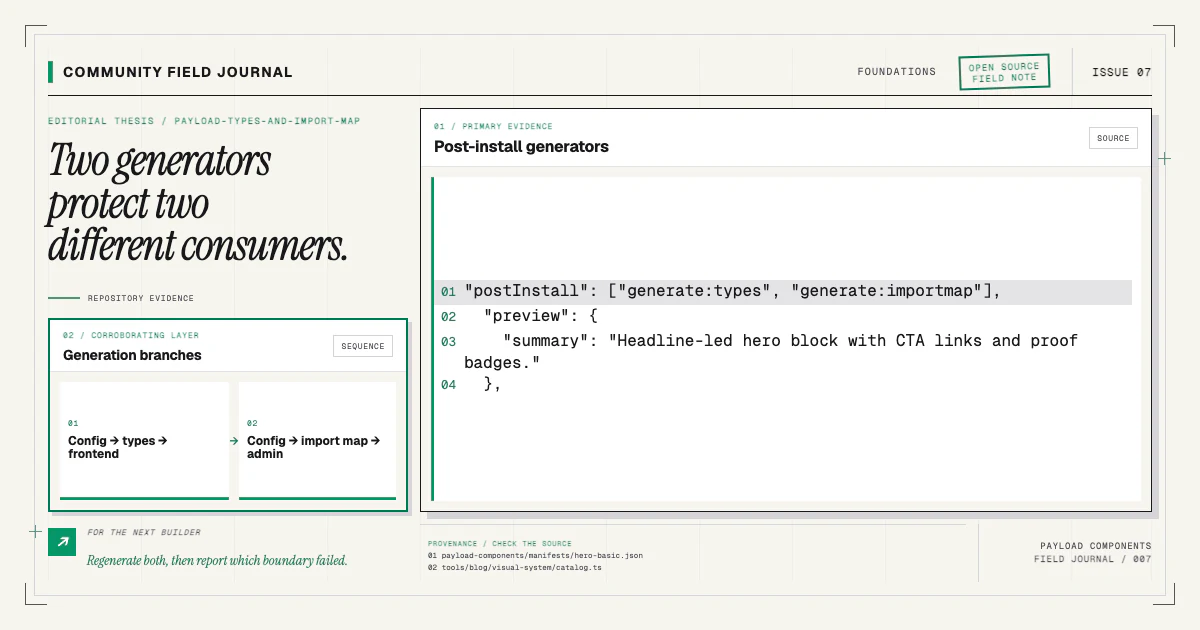
Payload has two generated artifacts that are easy to mention in the same breath and easy to confuse: TypeScript interfaces and the admin import map. They solve different problems. Types describe data shapes to the compiler. The import map tells the admin bundle how configured component paths resolve to modules. A complete schema or component change may require both.
I think of them as two projections of the same Payload config. One points toward the application code that reads documents. The other points toward the admin UI that authors them. When only one is fresh, the repository can look healthy from one side while failing from the other.
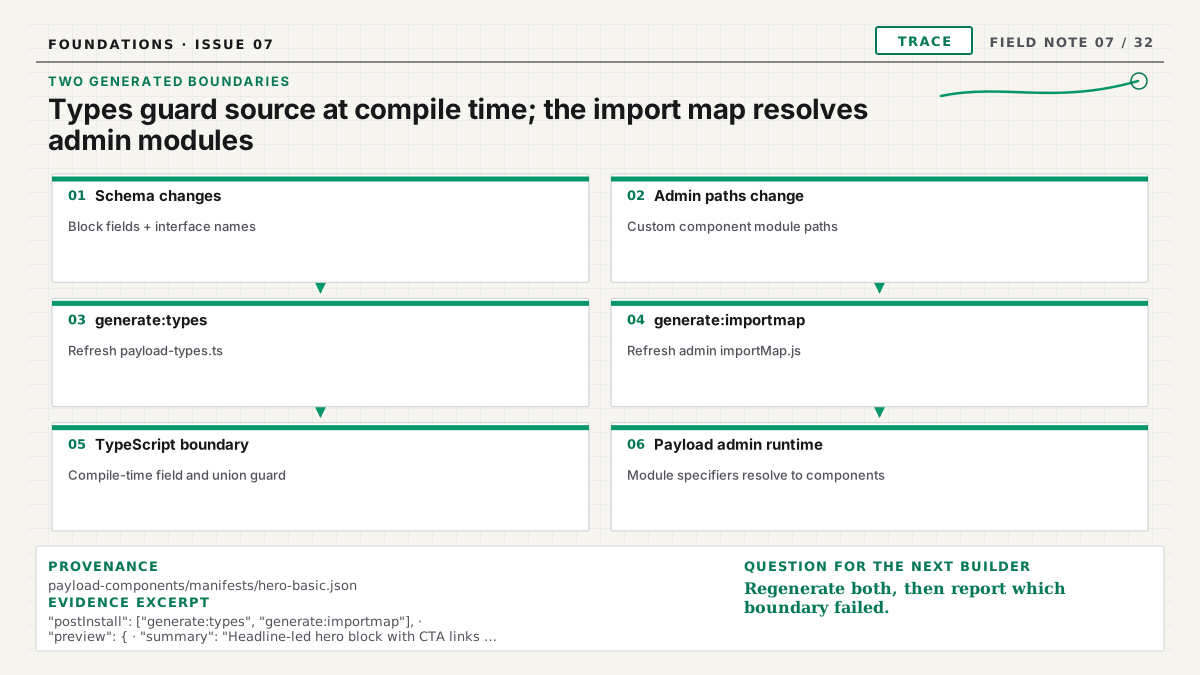
Generated types describe document data
Payload's official type generation guide
explains how the active config produces TypeScript definitions. For a Blocks field, the generated
Page type contains union members distinguished by blockType. A frontend renderer can narrow that
union and pass exact fields to the matching component.
When you add, remove, rename, or change a field, regenerate the types. Otherwise, TypeScript reasons
about an old schema. The runtime may deliver description while the compiler still expects copy,
or a new required field may appear optional in application code.
Stale types produce several recognizable symptoms:
- a valid new field is reported as nonexistent;
- a removed field continues to autocomplete;
- a new block discriminator is missing from the layout union;
- the renderer requires an unsafe cast to compile;
- CI and a developer machine disagree because only one generated locally.
Do not patch the generated file by hand. Fix the Payload config or generation command, run it again, and commit the output if your repository tracks generated types. The source of truth is the config.
The import map describes admin modules
Payload config can refer to custom admin components by path. The admin build needs a concrete map from those identifiers to imports. Payload's official custom components overview documents the path-based configuration and generated import-map behavior.
When a component file is added, moved, renamed, or removed, regenerate the import map. The public Next.js page can compile perfectly while the admin fails to resolve a field, cell, view, or block component. Type generation cannot catch that module-graph problem because the data shape may be unchanged.
Common stale-map symptoms include a missing-module error in the admin, an old component continuing to load, a path that works on a case-insensitive local filesystem but fails in Linux CI, or an admin route that breaks only after a production build.
The map is generated code too. Hand-editing it treats the symptom and guarantees the next generation will erase the repair.
Why block installation touches both
A plain block with only built-in fields may not add a custom admin module. It still changes the schema and therefore the generated layout union. A richer component might also ship admin UI or alter paths represented in the import map. An installer cannot safely assume that copying source is the end of the job.
Payload Components manifests declare post-install scripts so the consumer's own repository performs
generation with its own config. The installer does not ship a foreign payload-types.ts or
importMap.js; those artifacts are specific to the target project. It runs the configured commands
after files and fragments land, then records the stage in install state.
This is the fifth stage described in Anatomy of an install. It occurs after registry delivery, dependency installation, and source patches because generation must see the final config.
Generation order is part of the workflow
A dependable change follows this order:
- Add or edit block and field configs.
- Add or move any referenced admin components.
- Register the block in the owning collection.
- Regenerate TypeScript interfaces.
- Regenerate the admin import map.
- Typecheck and build the application.
- Open both the admin and the affected frontend route.
Running generators before registration can produce a type file without the new layout union member. Running the import-map generator before its files exist can fail or preserve incomplete resolution. The exact commands vary by starter; the invariant is that generation follows the final config.
The installation documentation explains how the companion CLI discovers and runs the consumer's scripts rather than assuming one package-manager command.
Decide how generated artifacts enter version control
Repositories reasonably differ on whether generated files are committed. Tracking them makes schema changes visible in review and lets some consumers typecheck without Payload generation during setup. Ignoring them reduces generated diff noise but requires every environment to generate reliably before compilation.
Whichever convention you choose, make it explicit:
- Pin the relevant package versions through the lockfile.
- Put generation in documented setup and CI when files are ignored.
- Add a reproducibility or clean-tree check when files are tracked.
- Do not let individual developers decide ad hoc whether to commit an output.
- Run generation in the same Node and package-manager environment used by the project.
A useful CI check for tracked artifacts runs the generators and fails if git diff is nonempty.
That converts “someone forgot” into immediate feedback. For ignored artifacts, typecheck or build
must depend on generation so a clean checkout proves the path.
Diagnose the side that is stale
When a new block saves in the admin but TypeScript rejects its fields, inspect type generation. Check that the running Payload config includes the block, confirm the output path, regenerate, and search the result for the discriminator.
When the frontend renders but an admin route reports a module resolution error, inspect the import map. Confirm the configured component path, case, export, and generated entry. Rebuild from a clean cache after generation if the dev server retained the old module graph.
When neither side works, start earlier: verify the block config is imported and registered in the actual config used by the command. A successful generator can faithfully produce the wrong output if it loads a different config or environment than the application.
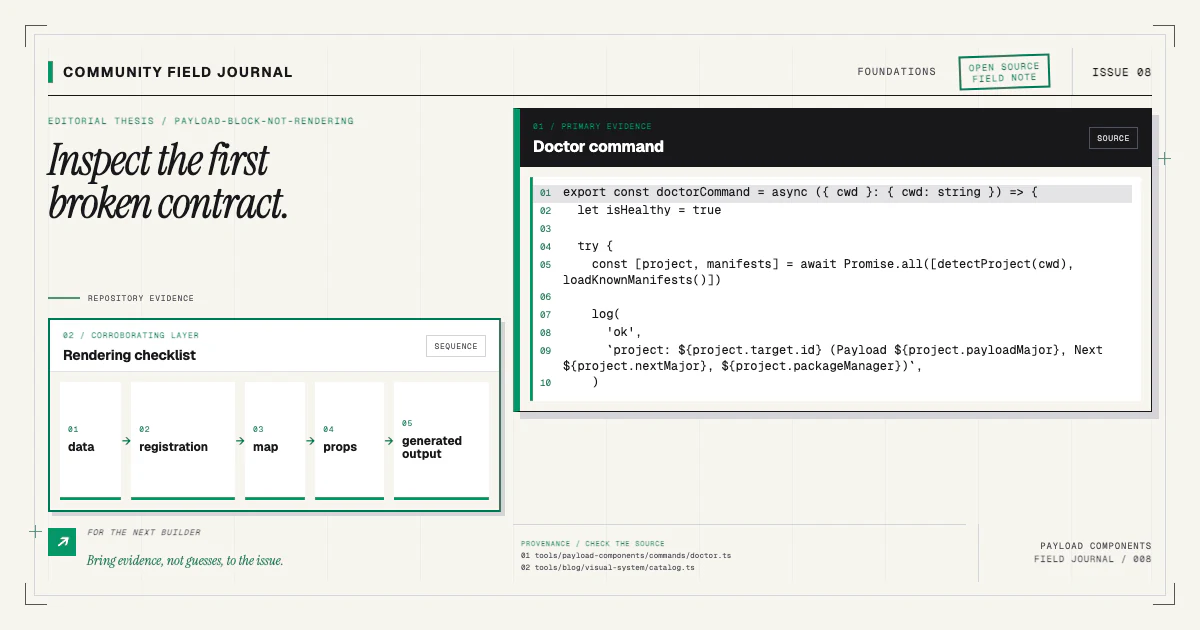
The broader block-not-rendering checklist keeps these checks in a useful order and separates saved data from mapping and generation problems.
Keep generated outputs reviewable
Generated files can be large, but the meaningful change should still be understandable. A new block should add a union member and related interfaces, not rewrite unrelated names unpredictably. An import-map change should point at the expected source path. Unexpected churn is a signal to check tool versions, formatting, environment, or config loading before merging.
This is one reason the installer lands source as a normal git diff. You can see the config edit and then inspect the generated consequences. Automation should shorten the path to review, not replace review with trust.
Try the workflow on a branch with a catalog component:
npx payload-components add hero-basicAfterward, search the generated types for heroBasic, inspect the import-map diff, typecheck, and
open the admin. If a supported starter produces unstable or incomplete output, bring the command,
sanitized paths, and generated diff to the repository. Those concrete reports help improve the
manifest and project-detection contracts for everyone using the open registry.