Source installers need a way to answer “what state is this repository in?” without making another
change. payload-components doctor is that read-only path. It checks whether the project looks ready
for installation, loads recorded component state, compares expectations with the filesystem, and
prints recovery advice.
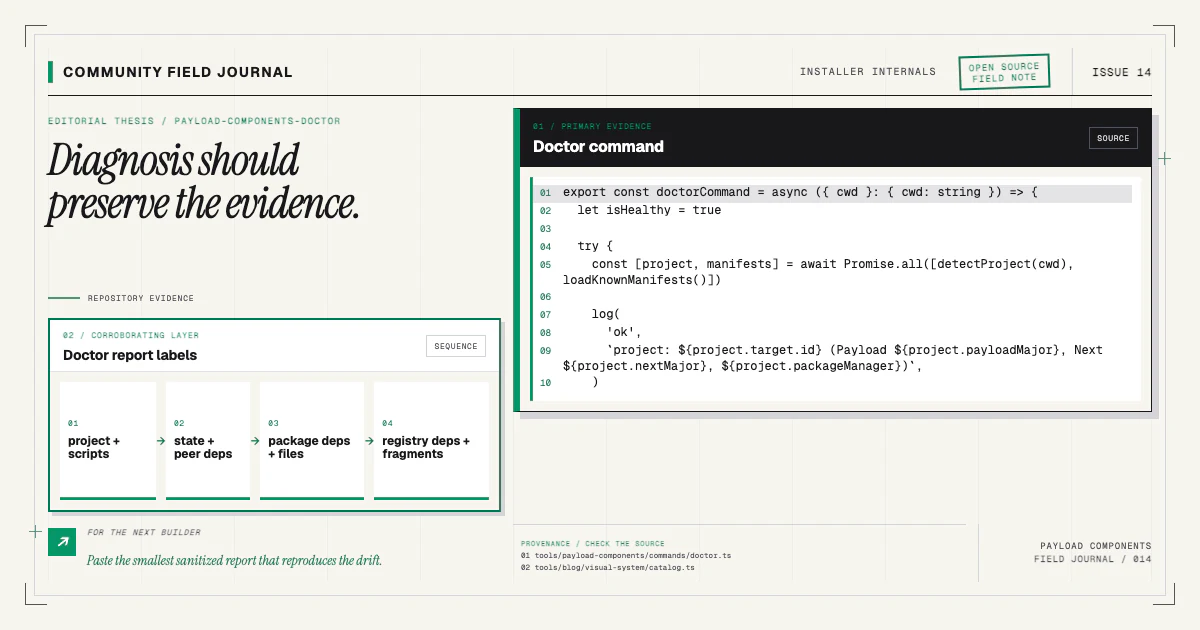
The command does not repair, add, delete, generate, or install packages. That restraint is important. Diagnosis should preserve the evidence a developer is trying to understand.
Run it from the project root
Use the package command in the Payload v3 + Next.js repository you want to inspect:
npx payload-components doctorThe CLI also supports an explicit working directory through --cwd, which is useful in scripts and
fixtures. It resolves paths relative to that project, not relative to the globally downloaded
package.
Run git status first. Doctor will not mutate the repository, but knowing whether existing changes
are yours makes any recommended retry easier to review.
The installation guide describes the supported starter shape and normal add workflow. Doctor uses the same project-detection assumptions.
Read project readiness separately from component health
Before examining installed components, doctor checks the repository's basic readiness. It looks for the expected project structure and configuration needed by the CLI. A failure here means the tool cannot safely reason about collection or renderer targets, even if a state file happens to exist.
Readiness is not a claim that every Payload architecture is invalid. It means the repository does or does not match the shapes this installer currently knows how to patch. A custom project can still use direct registry delivery and manual wiring.
Actionable readiness output should name what was expected, not merely say “unsupported.” When a widely used starter evolves, a minimal fixture can turn that difference into a detection update and test.
Healthy means record and repository agree
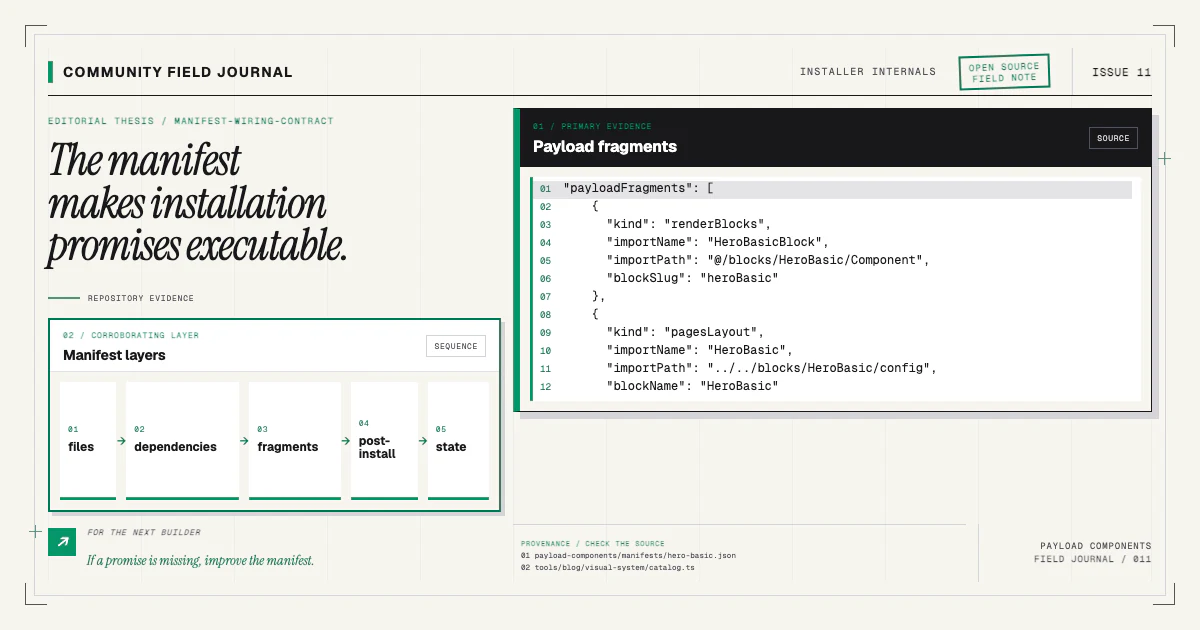
For a completed component, doctor loads its manifest expectations and recorded state. It confirms owned files are present and the declared Payload fragments still appear in host files. It can also check that generator scripts required by the installation contract are configured.
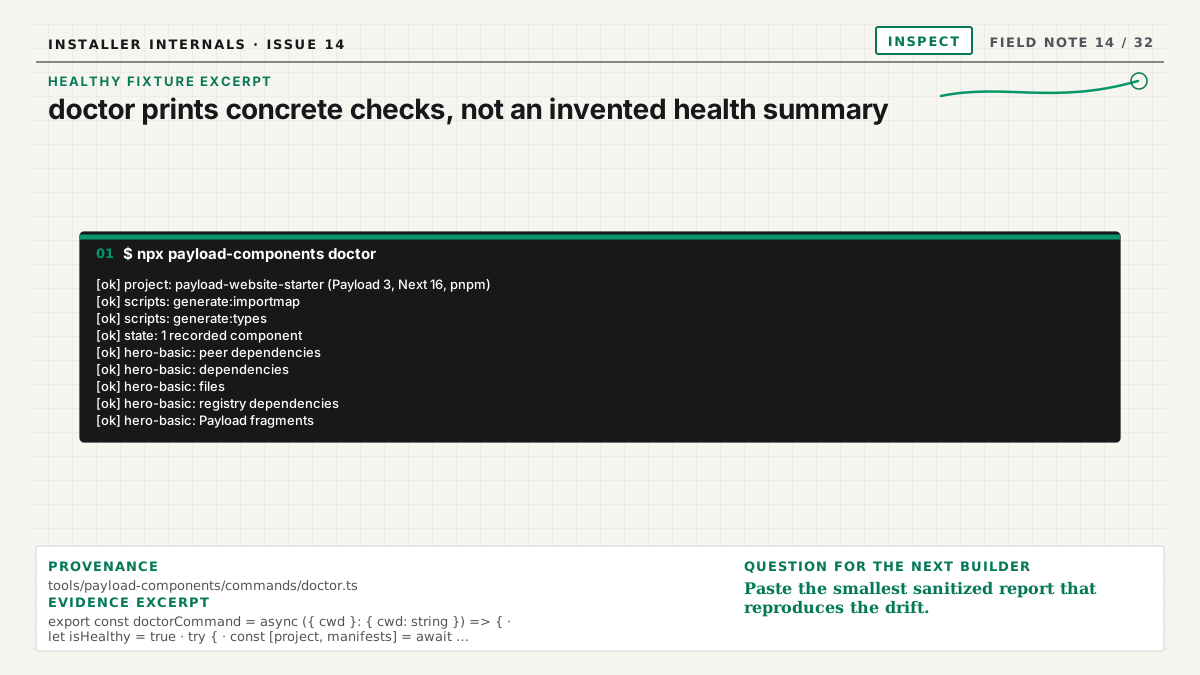
The healthy fixture used by this article prints these exact lines:
[ok] project: payload-website-starter (Payload 3, Next 16, pnpm)
[ok] scripts: generate:importmap
[ok] scripts: generate:types
[ok] state: 1 recorded component
[ok] hero-basic: peer dependencies
[ok] hero-basic: dependencies
[ok] hero-basic: files
[ok] hero-basic: registry dependencies
[ok] hero-basic: Payload fragments
A healthy report does not prove the component's visual design or application data. It proves the installer-level facts available from source and state. Browser and application tests remain the right tools for runtime behavior.
This boundary keeps the command deterministic and safe. It does not start the app, connect to a database, or inspect editor content.
Missing files are different from missing fragments
If an owned component file is absent, doctor reports a file-integrity error. Perhaps it was deleted accidentally, moved without updating state, or intentionally removed while stale state remained. The command should not guess which.
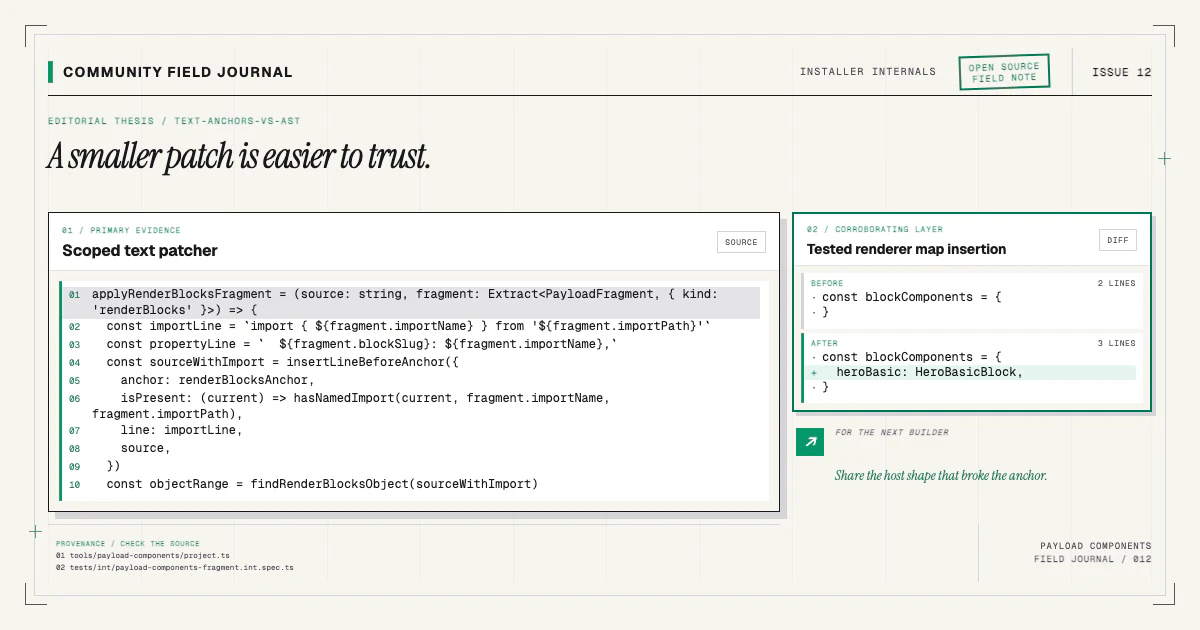
If the source exists but the Pages registration or renderer mapping is missing, doctor reports missing Payload fragments. That often happens after a manual refactor, conflict resolution, or host file replacement. Recopying the component would not fix the wiring; the diagnosis points to the actual boundary.
This distinction comes from the manifest's executable layers. Files and fragments have separate declarations because they have separate ownership and recovery semantics.
Partial installs preserve the failed stage
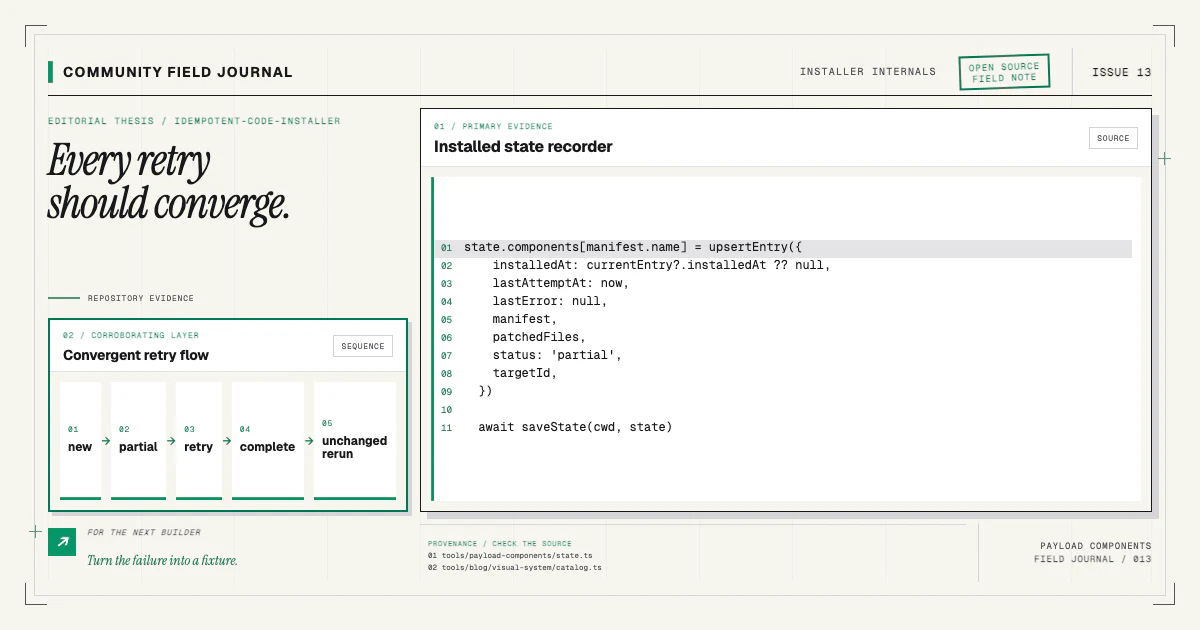
When add fails after some work, state records a partial installation. Its lastError carries the
last failed stage and message. Doctor surfaces that status instead of calling the component healthy
merely because files exist.
A representative partial report may say that the component stopped during dependency installation or post-install generation, then recommend rerunning the exact add command after fixing the error:
npx payload-components add hero-basicThe retry rechecks the repository and continues toward the same desired state. The idempotent installer article explains why repeated requests are designed to converge rather than restart blindly.
Do not delete the state file simply to silence a partial report. That removes useful recovery evidence while leaving files and patches in place. Either complete the install, deliberately revert the branch, or reconcile the record as part of an explicit maintenance decision.
Warnings identify ownership risk
Some conditions are not safely classifiable as healthy or broken. If host files changed around an installed fragment, or an owned component file no longer matches the originally delivered shape, a warning can tell you the area requires human review.
Warnings should not punish normal customization. Source ownership is the reason the component is copied. The useful question is whether an automated retry might collide with that customization. Doctor reports the evidence; it does not replace the local maintainer's judgment.
For the same reason, the command avoids printing full source or secrets. Paths and component names are usually enough. Sanitize repository-specific information before pasting a report publicly.
Exit status makes doctor useful in automation
A diagnostic command should communicate through both readable output and an exit code. Healthy state can exit successfully. Errors that require action can produce a failing status. Warnings may remain visible without necessarily blocking, depending on the command's documented contract.
That makes doctor useful before a CI installation check or during issue reproduction. Still, avoid treating it as a universal application health check. It validates the installer contract, not database connectivity, access rules, rendering, or production deployment.
Pair it with the repository's typecheck, build, integration tests, and browser coverage.
Use the report to make an issue reproducible
A useful installer report includes:
- the component name and recorded version;
- the recorded status and any
lastErrorstage and message; - whether owned files are present;
- whether expected fragments are present;
- the exact recommended retry;
- project readiness results;
- the CLI and relevant starter version.
Add a small sanitized diff when the issue concerns an anchor or host shape. Do not include environment secrets, private URLs, customer content, or an entire proprietary configuration.
The tests for doctor create representative install fixtures, remove files and fragments, simulate partial state, and assert the output names the condition. If you find a new ambiguous state, the best contribution is often another fixture case alongside clearer diagnostic language.
A normal maintenance loop
After installing a component, I use this small loop:
npx payload-components add hero-basic
npx payload-components doctor
git diff --check
Then I run the project's generators, typecheck, and browser verification as required. If doctor is healthy but the block does not render, move to the block debugging checklist; the failure is probably in data, runtime props, access, cache, or presentation rather than recorded installation integrity.
Try doctor on a branch with a known component and read the report critically. If a message tells you that something is wrong without telling you what evidence failed or which safe command comes next, open an issue through the contributing path. Diagnostics are part of the public interface, and clearer language helps every person who encounters the same partial state later.