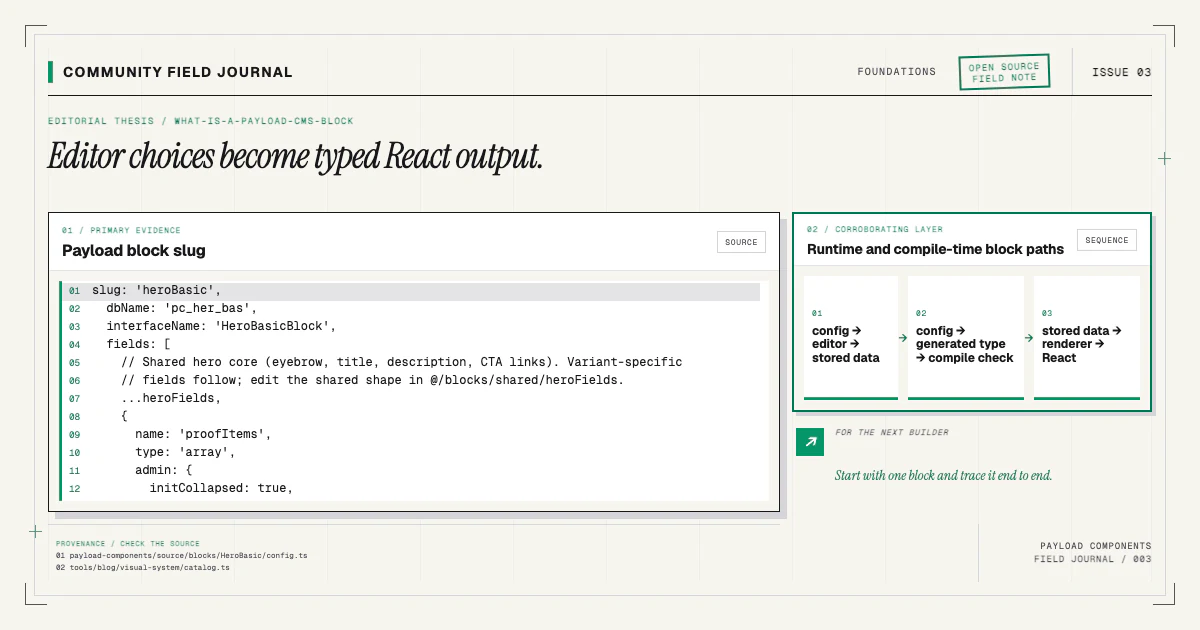
The shortest definition is that a Payload block is a named, reusable group of fields that an editor can place inside a Blocks field. That definition is correct, but it misses the part that matters when you build a real site: a block is also a contract shared by the admin, the stored document, generated TypeScript, and the React component that renders the page.
I find it easier to think of a block as a small content protocol. The editor chooses a protocol by
name, supplies the values it requires, and saves an ordered item into the page document. The frontend
reads that item, identifies its blockType, and hands it to the matching renderer. When every layer
agrees, an editor can compose a page without choosing arbitrary React props or touching source code.
Payload's official Blocks field documentation describes the schema and admin behavior. Here I want to connect that API to the work you actually do in a Payload v3 and Next.js repository. The Payload blocks implementation guide applies the complete path to one real block, from config through live rendering.
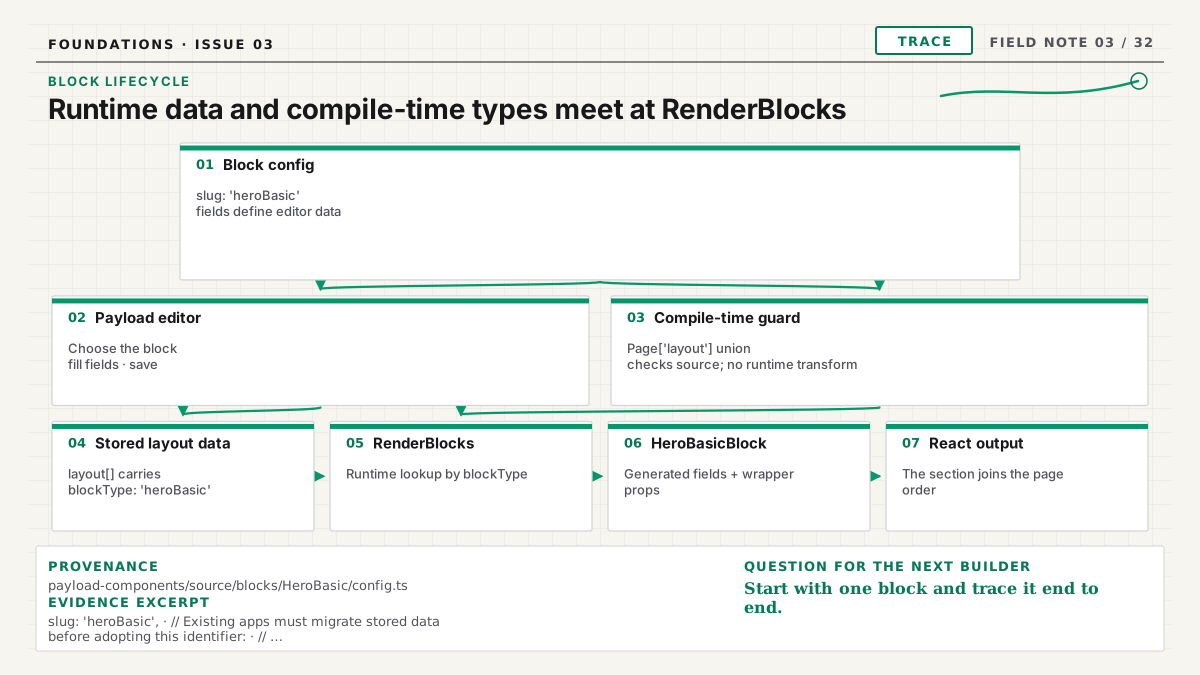
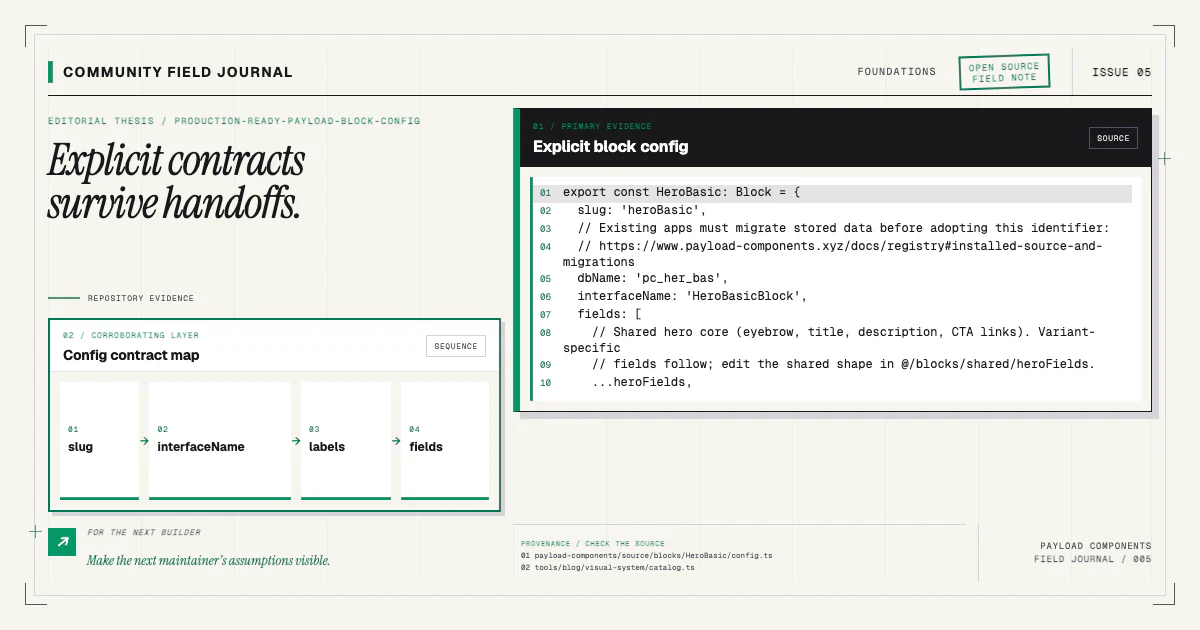
The config defines the content contract
A block begins as a Payload Block configuration. At minimum, it has a slug and fields. In a
maintainable codebase, I also make its generated interface and editor labels explicit:
import type { Block } from 'payload'

export const HeroBasic: Block = {
  slug: 'heroBasic',
  interfaceName: 'HeroBasicBlock',
  labels: {
    singular: 'Hero',
    plural: 'Heroes',
  },
  fields: [
    { name: 'eyebrow', type: 'text' },
    { name: 'heading', type: 'text', required: true },
    { name: 'copy', type: 'textarea' },
  ],
}
Those properties serve different audiences. The slug is persisted as the discriminator. The interface name makes generated TypeScript readable. Labels make the chooser understandable to an editor. Fields define what content is possible and which values are required. None is decoration; each removes an ambiguity somewhere else in the system.
The config should model content, not a screenshot. A heading is content. An optional eyebrow is
content. A switch called makeTextExactly34Pixels is an implementation detail leaking into the
editor. If a structural design deserves its own identity, I prefer a separate component variant.
If it is merely content that can be present or absent, it usually belongs in the fields.
Our architecture guide goes deeper into that split and explains why structural variants ship as separate registry items.
The Blocks field makes composition possible
A block config does nothing in isolation. A collection or global needs a field with type: 'blocks'
and an explicit list of allowed blocks. In a Pages collection, that usually looks like this:
{
  name: 'layout',
  type: 'blocks',
  blocks: [HeroBasic, FeatureBento, ContentQuote],
}
The editor can now add those blocks, reorder them, duplicate them, or remove them. Payload stores the
result as an array, preserving the chosen order. Each entry includes its blockType, its generated
identifier when IDs are enabled, and the field values declared by that block.
That ordered array is the real page composition. It is not HTML and it is not a component tree. It is structured content with enough information for another layer to decide how to render it. This separation is useful: the same document can feed a Next.js page, an RSS description, a search index, or a migration without pretending the database contains presentation markup.
Generated types turn the schema into feedback
Payload can generate TypeScript interfaces from the active config. Its official
type generation guide explains the command
and configuration. For blocks, the important outcome is a discriminated union. When the layout item
has blockType: 'heroBasic', TypeScript can narrow it to the fields defined by HeroBasicBlock.
That feedback catches ordinary drift. Rename copy to description in the schema but forget the
renderer, and the frontend should fail at compile time instead of quietly printing nothing. Add a
required field and every consumer becomes visible. The types are not a parallel model that I hand
maintain; they are generated evidence of the Payload config.
This is also why I do not recommend masking a block with Record<string, unknown> or scattering
casts around a renderer. A cast can make the red underline disappear while leaving the contract
broken. The generated union is valuable precisely because it refuses to let the frontend invent a
different shape.
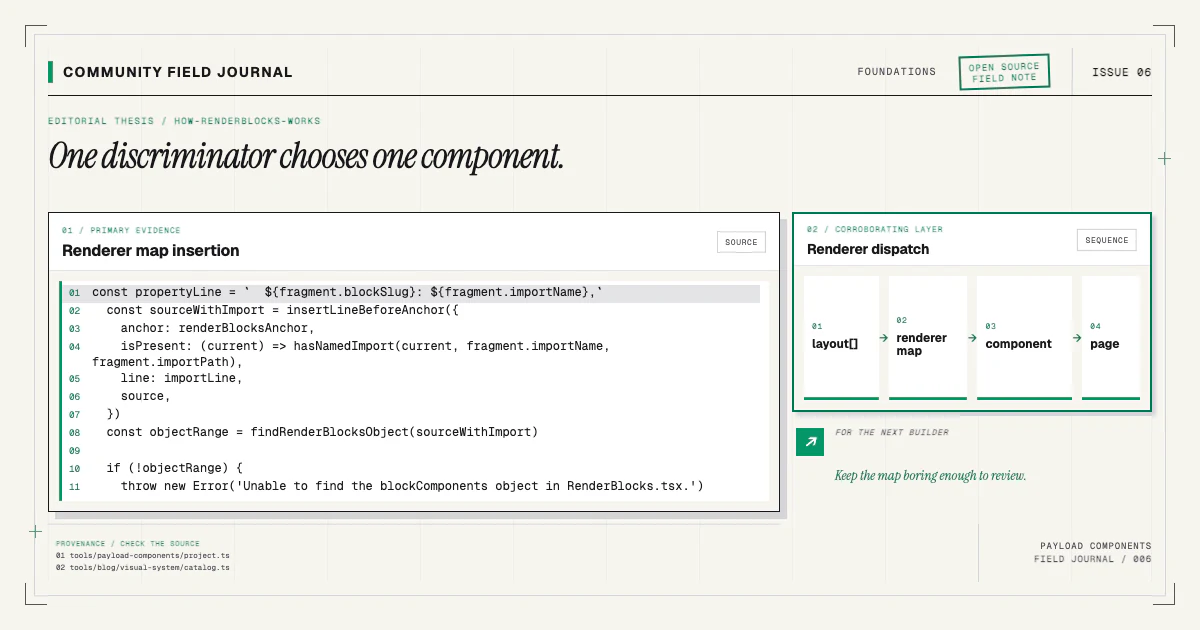
RenderBlocks performs the dispatch
On the Next.js side, a renderer iterates over the layout array. For every entry, it looks up a React
component by blockType, then renders that component with the narrowed data. The concept is small:
const blockComponents = {
  heroBasic: HeroBasicBlock,
  featureBento: FeatureBentoBlock,
  contentQuote: ContentQuoteBlock,
}

export function RenderBlocks({ blocks }: { blocks: Page['layout'] }) {
  return blocks?.map((block) => {
    const Component = blockComponents[block.blockType]
    return Component ? <Component key={block.id} {...block} /> : null
  })
}
Production code can add logging for unknown block types, wrapper props, preview behavior, and safer component-map typing. The essential job remains dispatch. The next guide on how RenderBlocks works explores those decisions in detail.
Registration and rendering are intentionally separate. Adding a block to the collection makes it available to editors; adding it to the renderer map makes the stored value visible on the frontend. If only one edit lands, the system is half-wired. That is the most common source of the unnerving “saved successfully, rendered nothing” failure.
The admin import map is a related contract
Ordinary field definitions are available from the Payload config, but admin custom components use module paths that must resolve in the admin bundle. Payload generates an import map for that purpose. The official custom components overview documents the path-based model and generation behavior.
Not every block needs a custom admin component. Still, the import map belongs in the mental model because component installation often changes files or paths that Payload's admin must know about. Regenerating types but forgetting the import map can leave the frontend healthy and the editor broken. Regenerating the import map but not types creates a different kind of drift. A complete workflow updates both after schema or admin-component changes.
A block is not a page section until all layers agree
This is the practical checklist I use:
- The block config has a stable slug, explicit generated interface, useful labels, and content-first fields.
- The owning Blocks field includes the config.
- The generated types reflect the new union member.
- The renderer map has the exact same discriminator.
- The React component accepts the generated data and preserves useful wrapper props.
- The admin import map is regenerated when component paths require it.
- The result is verified in both the editor and the frontend.
The list sounds longer than “copy two files,” which is exactly the point. None of these steps is hard, but together they are the installation. Payload Components packages that knowledge into a reviewable workflow while leaving the resulting source in your repository.
What a block should not become
A block is not a license to put an entire application inside one schema item. If a section owns independent permissions, lifecycle, querying, or reuse, model that content as a collection or global and let the block reference it. If an interaction needs substantial client state, keep that state in the React boundary rather than persisting transient UI choices in Payload. If two sections share a heading field, that alone does not mean they need one universal block with dozens of switches.
This distinction keeps the page document readable. An editor sees a sequence of meaningful sections; the API returns data another consumer can understand; the frontend receives enough information to render without treating the CMS as a CSS control panel. Good blocks are deliberately smaller than a page and deliberately larger than a single decorative field. They represent a stable editorial idea with a known visual responsibility.
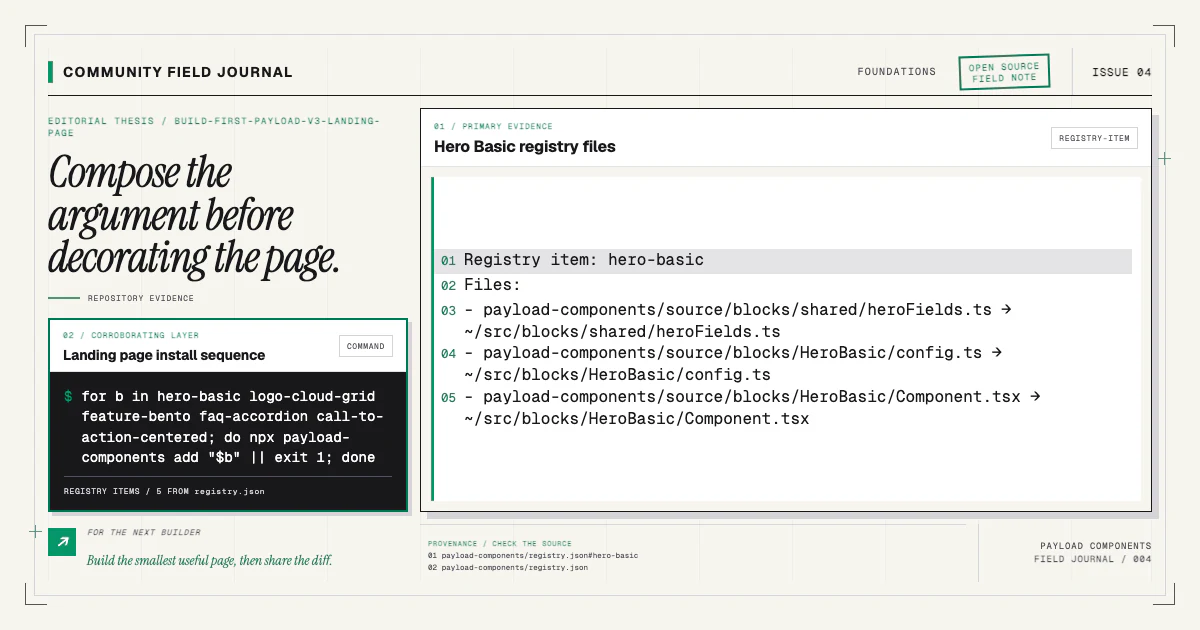
You can inspect the live examples in the component catalog, read the installation guide, or try the smallest block on a clean branch:
npx payload-components add hero-basicRead the diff after it runs. You should see the source, collection registration, renderer mapping, and generated follow-up as one coherent change. If your starter has a shape the installer does not understand, open an issue with the relevant anchors removed of project-specific details. That kind of real repository evidence is how this community project gets more dependable.