We have templates now.
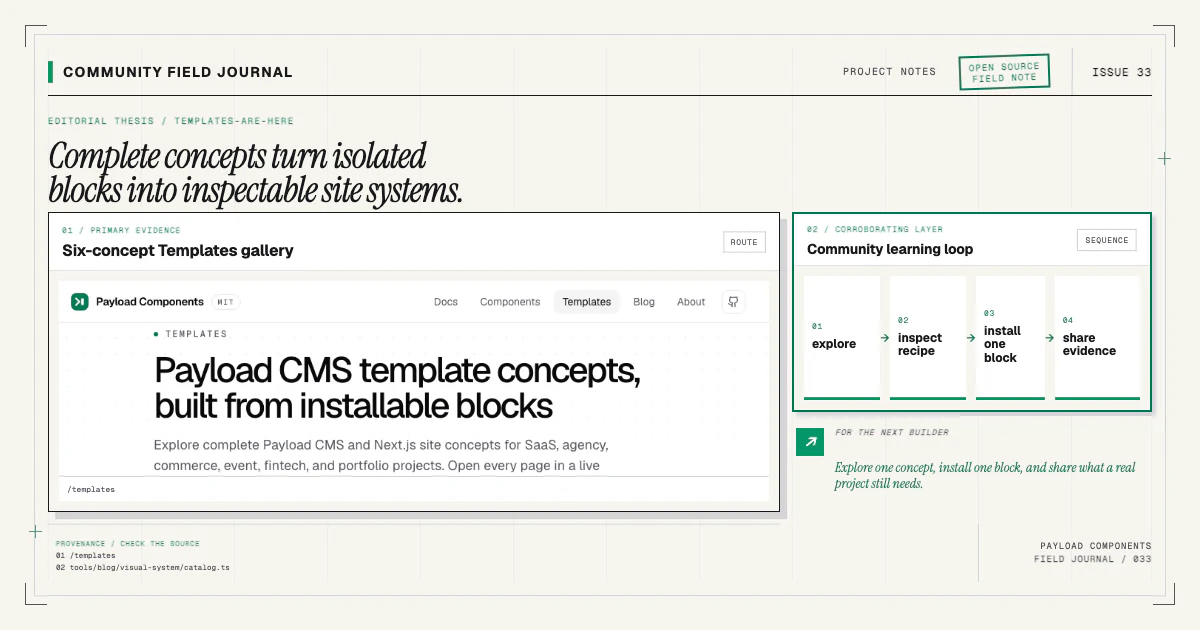
More precisely, we have six complete, browsable site concepts built from the open Payload Components registry. They are not one-click repositories yet. They are a practical layer between an isolated component preview and a finished site: thirty designed pages that show how blocks can work together, what content each page needs, and where a real project might begin.
I wanted this release to answer a question I hear whenever the component catalog grows: “What would I actually build with all of this?” A hero, feature section, pricing table, and testimonial block are useful on their own. A five-page concept shows the argument they can make together.
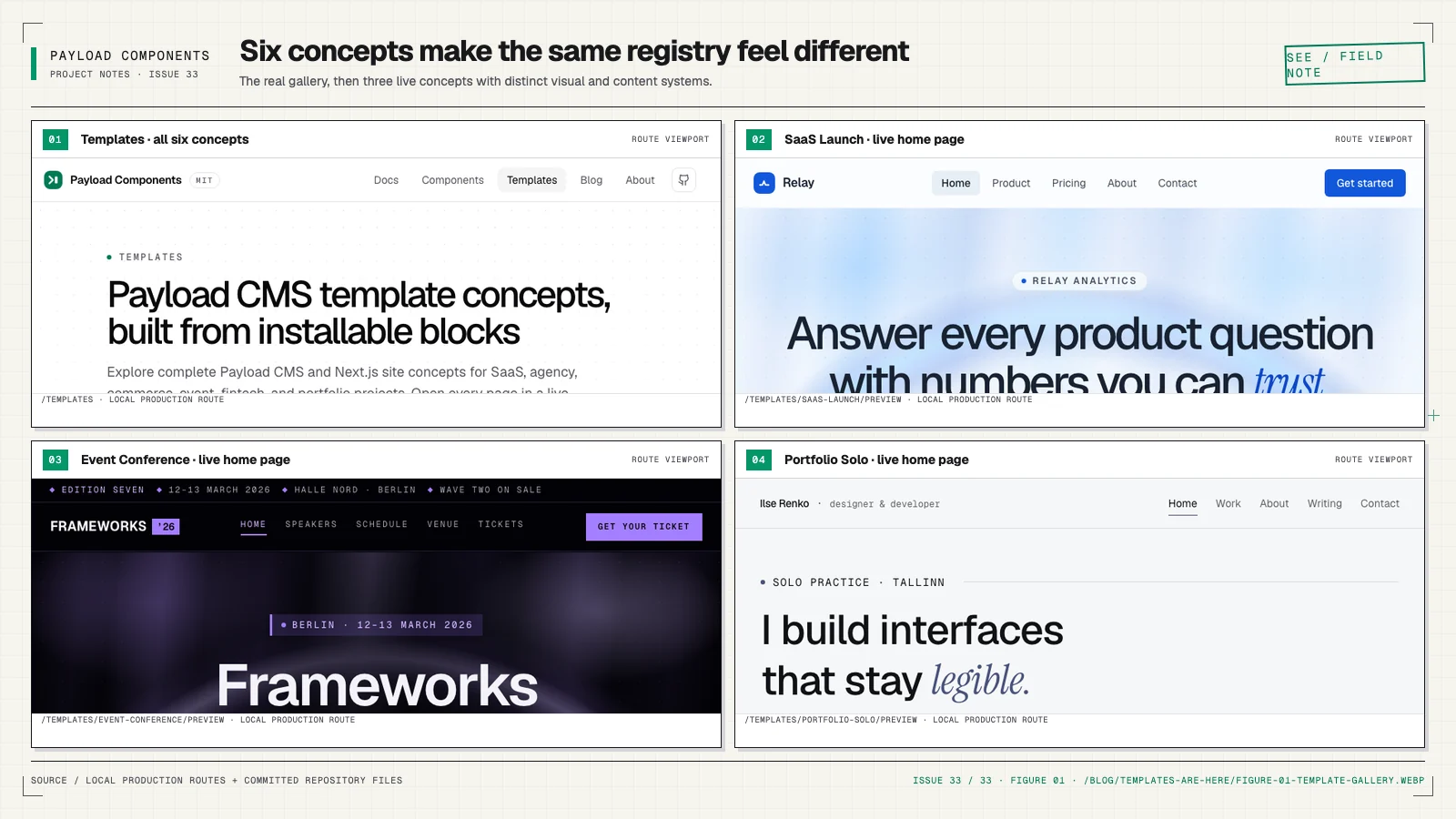
Six directions, not one house style
The Templates gallery opens with six deliberately different starting points:
- SaaS Launch is a precise, product-led B2B site with product, pricing, about, and contact pages around its homepage.
- Agency Studio uses warm paper, serif display type, and portfolio-led pacing for a fictional brand and digital-product practice.
- Commerce Brand gives a specialty-coffee story a tactile, product-forward editorial system.
- Event Conference puts dense dates, rooms, speakers, and ticket information on an electric near-black stage.
- Fintech Trust makes security, guarantees, and tabular figures the visual center of a money-movement platform.
- Portfolio Solo is quiet and personal: one narrow column, small precise type, generous margins, and first-person writing.
Each concept includes five pages. Together, the current set contains 30 page compositions and 177 ordered sections using 41 distinct blocks from the registry. Those numbers come from the checked-in template definitions, and the release gate validates every referenced block slug before publication.
The variety matters. Templates should help people see possibilities, not teach every project to look the same. If the gallery only proved one polished SaaS layout, it would be a theme demonstration. These six concepts test whether the underlying content and component contracts can carry very different voices.
Every page is inspectable
Open a concept and you can move through all five pages, switch between desktop, tablet, and mobile preview widths, and inspect the ordered block recipe behind the page. Every recipe chip links back to the corresponding component documentation, where the field contract, copied files, wiring steps, requirements, and exact install command are visible.
That traceability is the useful part. A screenshot can inspire a layout while hiding everything difficult: the content model, responsive decisions, repeated data, editor controls, and the boundary between sections. The template concepts keep those decisions connected to components that actually exist in the open catalog.
The concept definitions are also plain, serializable repository data. They do not add Payload, a database, or an admin panel to this documentation site. The preview surface composes the same site-only demo twins used by the component catalog, while the component source remains target code for your Payload project.
What “template” means today
I want to be careful with the word because it can imply more than we ship.
Today, a template is a browsable full-site concept and a verified block recipe. It is not an installable full repository. There is no command that claims to recreate the complete fictional site, its assets, navigation, collections, globals, deployment choices, and project-specific data in one step.
That boundary is visible on every template page. The first recipe block has a real starter command, but the command installs that block—not the entire site. For example:
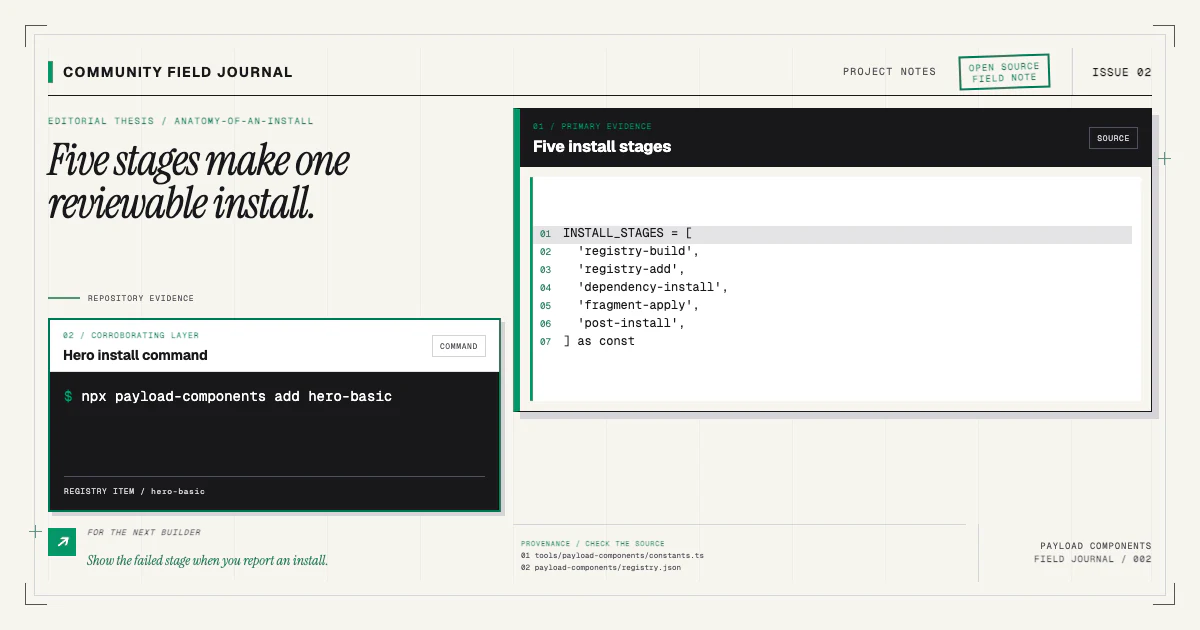
npx payload-components add hero-basicThe companion CLI copies the block and performs the Payload-specific wiring owned by its manifest. The installation guide explains the full pipeline and the reviewable diff it creates.
This honest middle state is intentional. Before building a template installer, I want evidence about what people need it to own. Should it create a new repository or only compose pages inside an existing one? How should it handle collections, globals, media, fonts, navigation, and blocks that are already installed? What can be safely idempotent? Which decisions belong to a reusable template, and which must stay with the project?
A convincing visual does not answer those questions. Real use does.
Choose the starting point that matches your project
If you are beginning a new Payload project and want a complete repository foundation, the official Payload website template is the stronger starting point today. It owns the application shape that a full starter should own.
If you already have a Payload v3 and Next.js project, use a concept as a composition reference and install the blocks you need individually. Start with one page, keep the diff small, and adapt the source to your design system after the wiring lands.
If you are still planning, use the gallery to discuss page responsibilities before code. A recipe can make a vague request such as “we need a modern homepage” concrete: which proof appears near the promise, where the product is explained, what objections become FAQs, and what action closes the page.
All three paths are valid. The gallery is meant to make the choice clearer, not funnel every project into the same workflow.
The concepts are community prompts
These are not six declarations about the only templates worth building. They are six substantial prompts for the community.
Tell me which concept you would actually use, which page is missing, and which section order feels unconvincing with real content. Tell me when a recipe asks one component to do too much. If your project needs documentation, nonprofit, education, publication, local service, or another direction the gallery does not represent, describe the page jobs and content constraints rather than only sharing a visual reference.
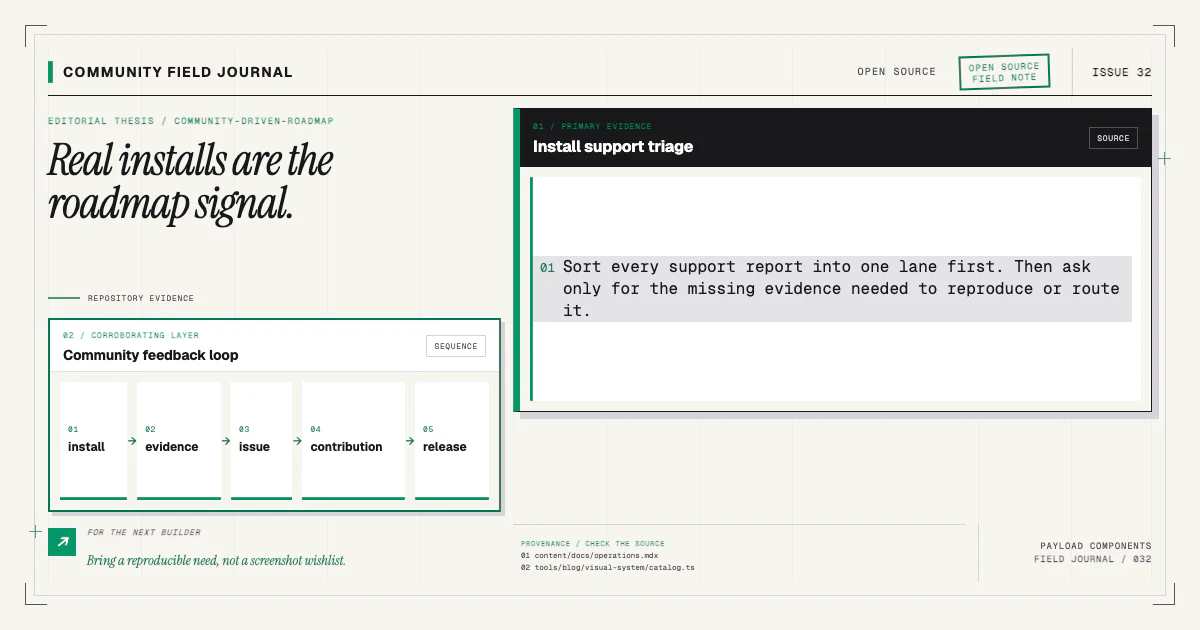
That feedback can change the block catalog as well as the template layer. A concept may reveal a missing structural variant, an awkward field contract, weak empty states, or a mobile sequence that needs a different component. The community roadmap article explains why reproducible needs are more useful than a screenshot wishlist.
Contributions are welcome at every size. You can report a broken preview, improve fictional copy, test a recipe against a real project, propose a concept, or carry a component change through source, manifest, registry, docs, demo, and tests. The contributing guide is the shared path, and the end-to-end component guide shows the complete surface a new block needs.
Explore one, then bring back evidence
Pick the concept closest to a project you understand and open every page. Try the mobile preview. Follow one recipe chip into its component contract. If the project already exists, install one block on a branch and read the diff before composing the rest.
Then bring back the useful part: what worked, what felt generic, what the editor could not express, and what an installer would need to do safely before you would trust a complete template command.
That is how I hope templates grow here—openly, from real Payload work, with the visual ambition to inspire people and the technical honesty to let them inspect every step.